Save Time When Modeling
The FOCUSED 3D Library
Pro-built 3D components and real-size materials for SketchUp, right inside your model. Drop in cabinets, lighting, appliances and furniture, then paint on wood floors, stone, tile, fabric and metal that show up at their true size.
One Membership
Two Libraries in One
The objects you place and the surfaces you paint them with, from the same window inside SketchUp.
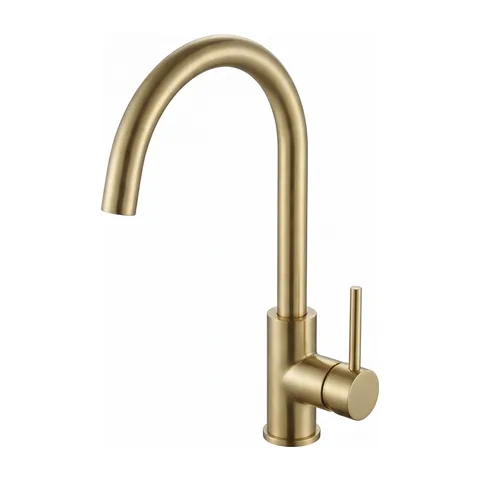
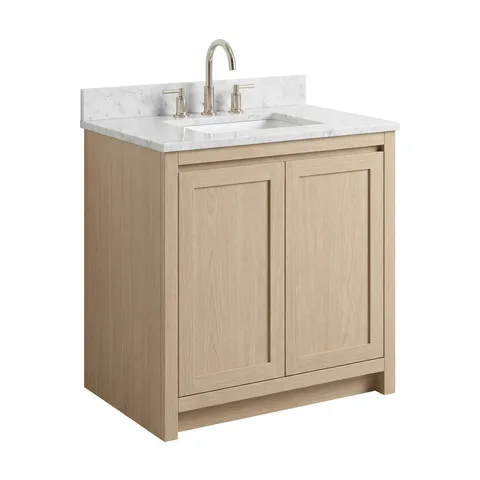
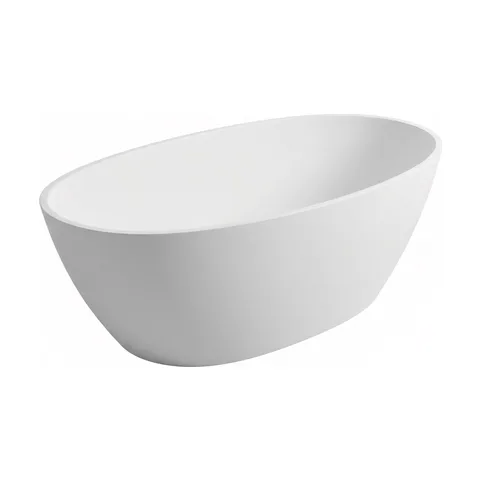
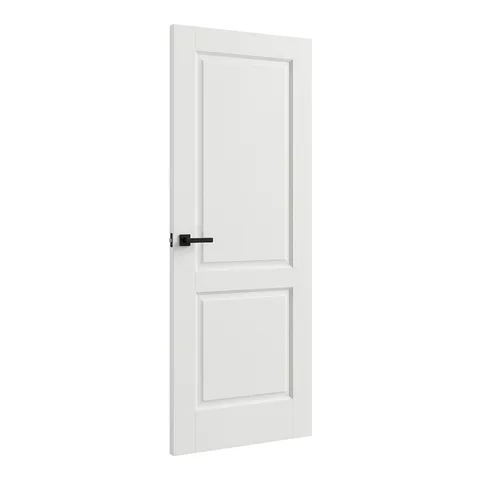
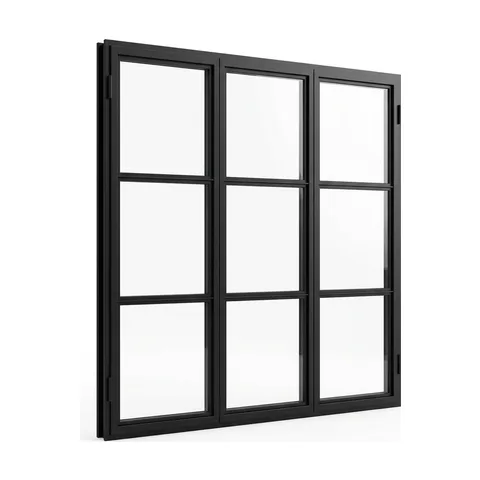
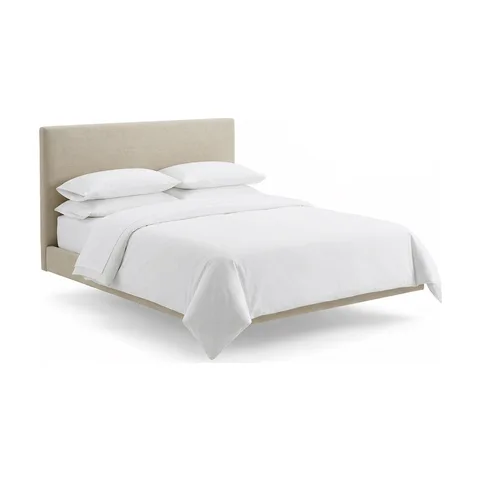
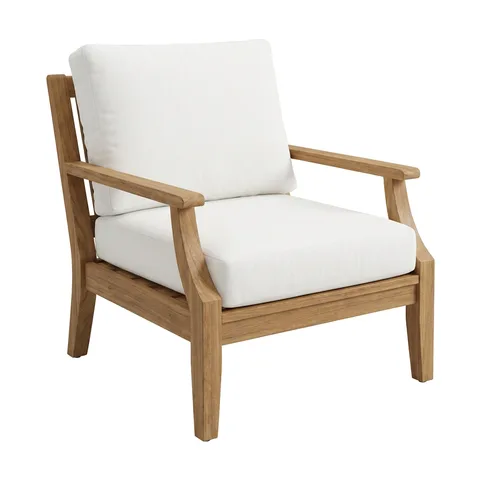
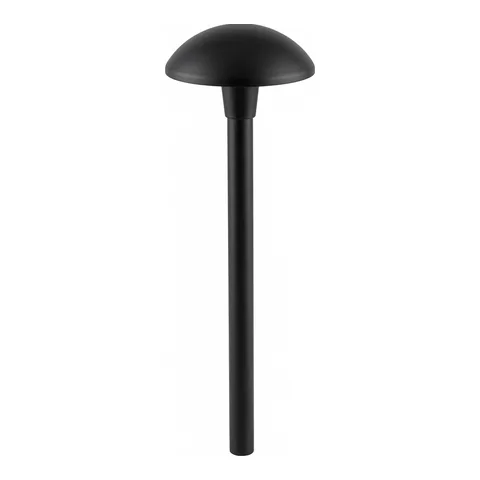
3D Components
4,523 components
Pro-Built SketchUp Components
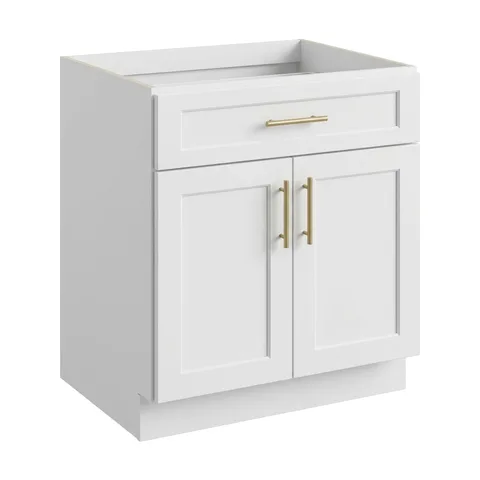
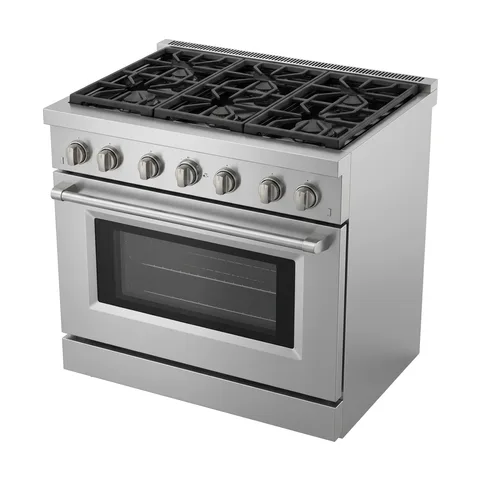
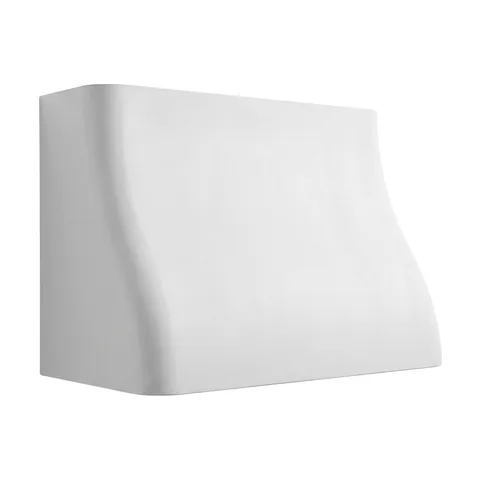
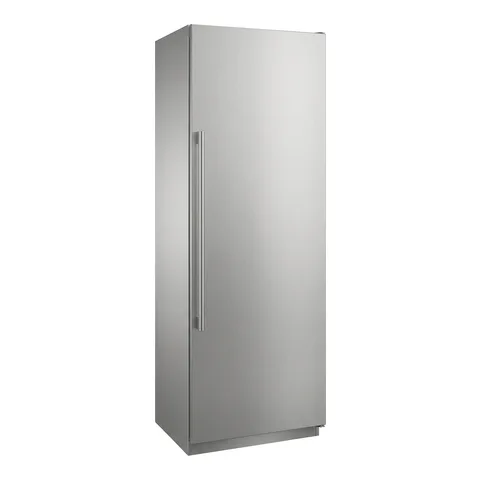
Cabinets in every door style, appliances, hardware, plumbing fixtures, doors, windows, lighting, bedding and outdoor furniture, sorted by category.
- 8 categories, each split into the styles you shop for
- Real product sizes and clean, light geometry
- Placed in one click from the library window in SketchUp
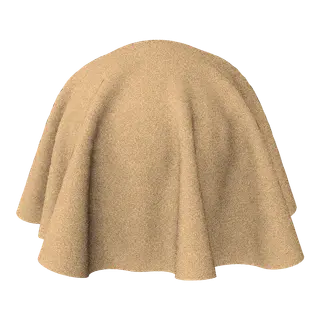
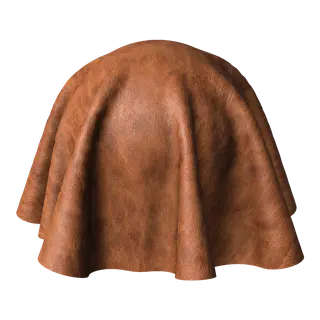
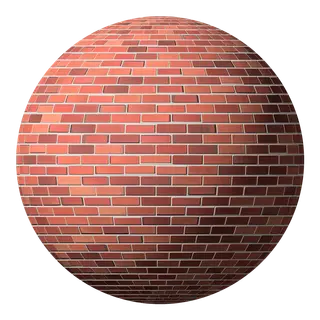
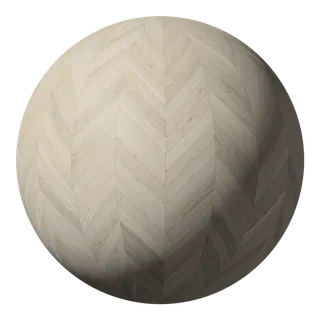
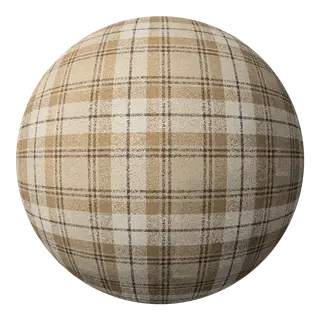
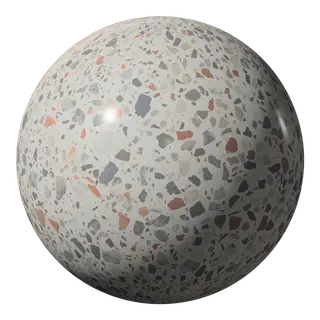
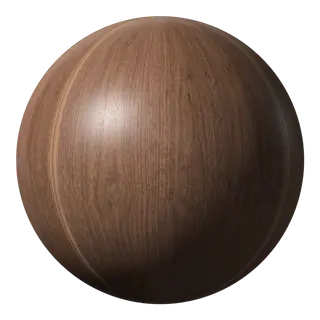
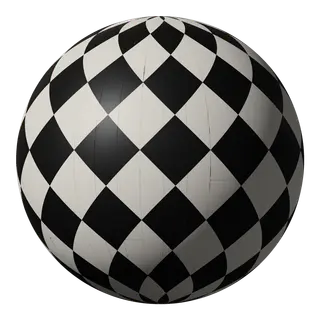
Materials
716 materials
Real-Size PBR Materials
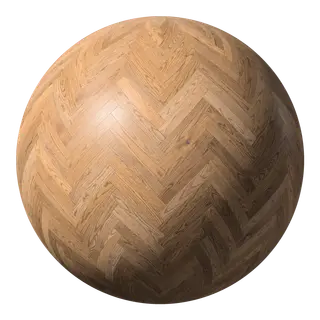
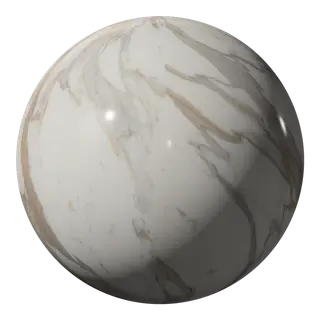
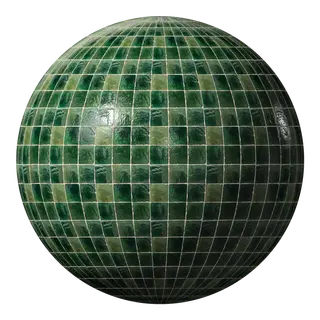
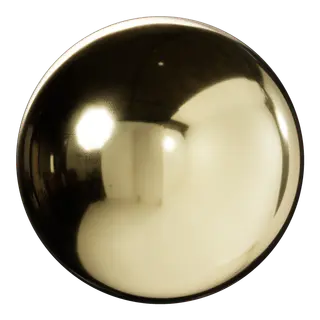
Wood, wood flooring, stone, countertops, tile, brick, metal, fabric, leather and more. Every one is seamless and shows up at its true size the moment you paint it on.
- Seamless, at real-world scale: a 4 x 24 herringbone is 4 x 24
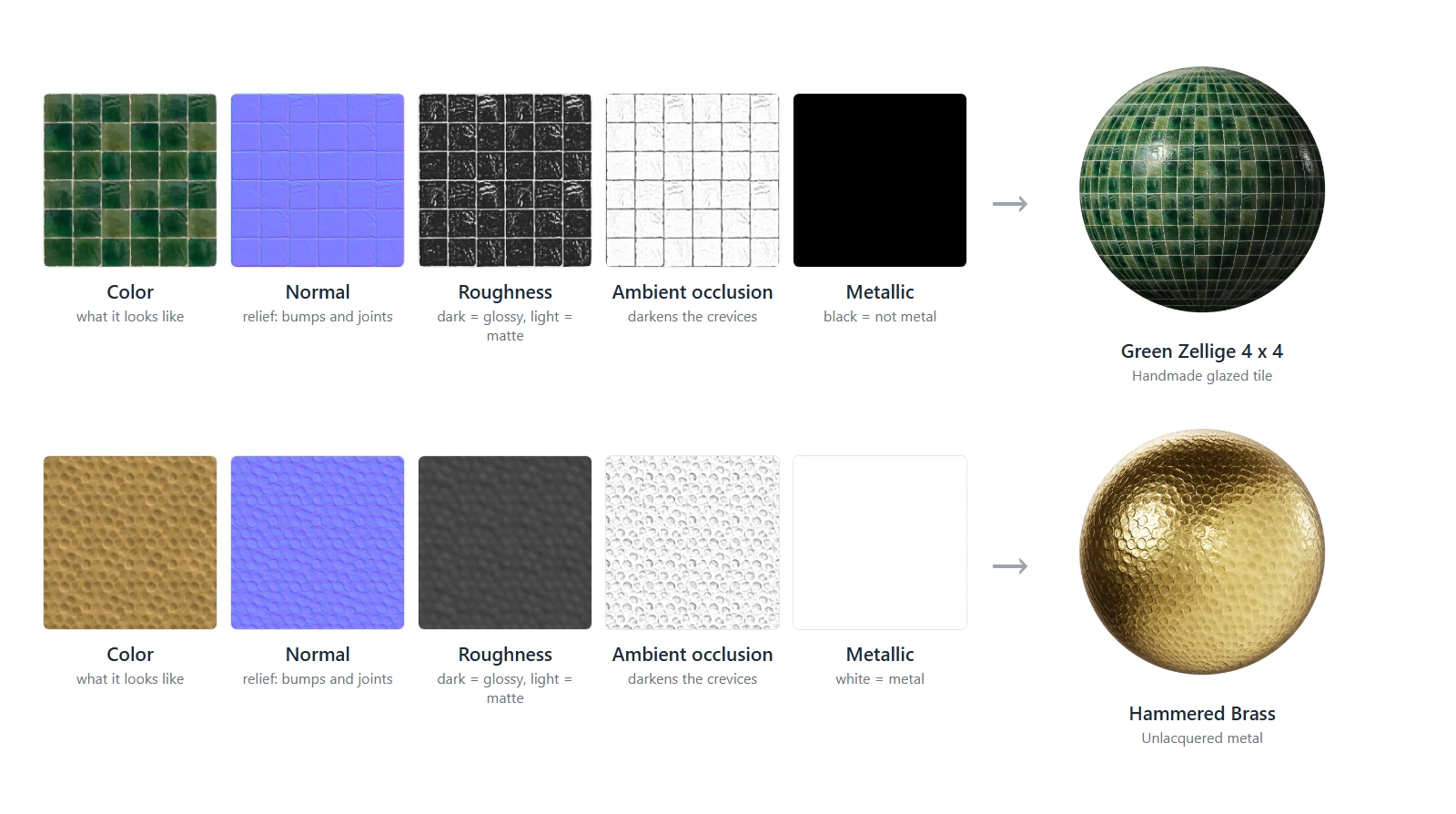
- Color, roughness, normal and AO maps for SketchUp's photoreal materials
- 70 free to try with a FOCUSED account
The FOCUSED 3D Library
3D Components
Pro-built SketchUp objects sorted by category, ready to drop into your projects.
Browse the Catalog
Components by Type
Every component in the library, sorted the way you design. Pick a category to see what is inside.
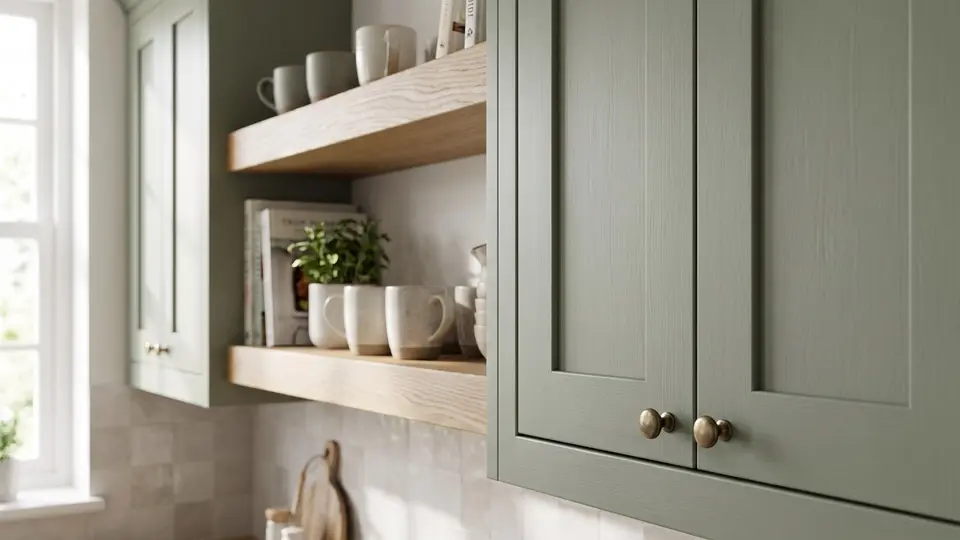
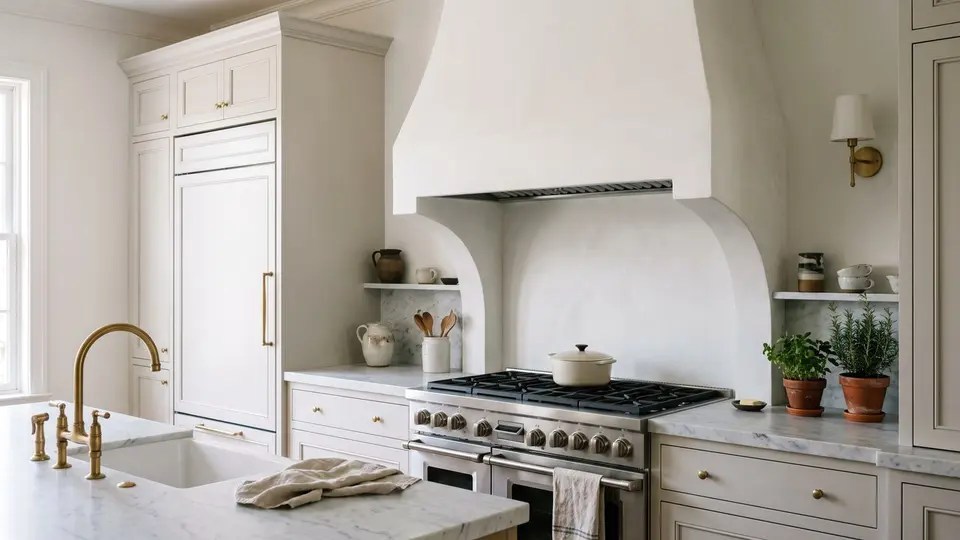
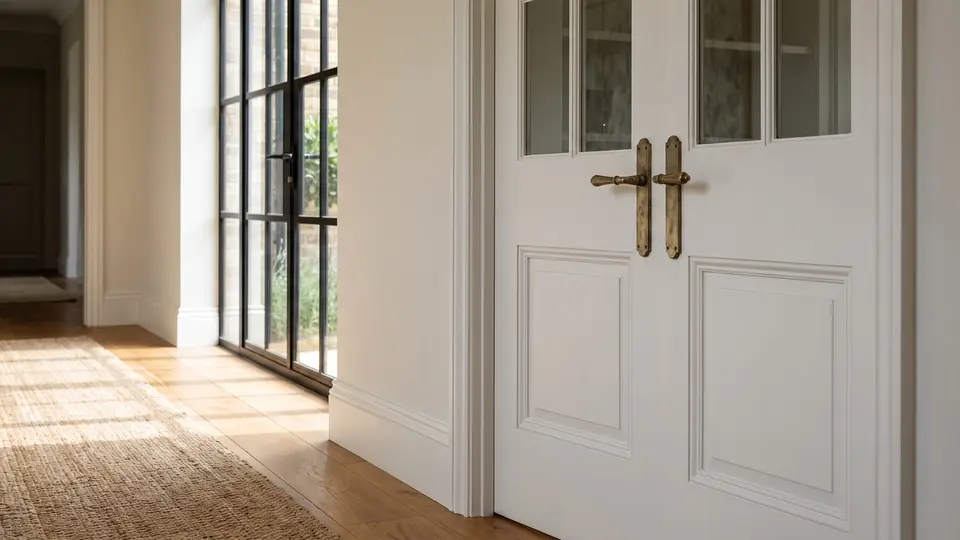
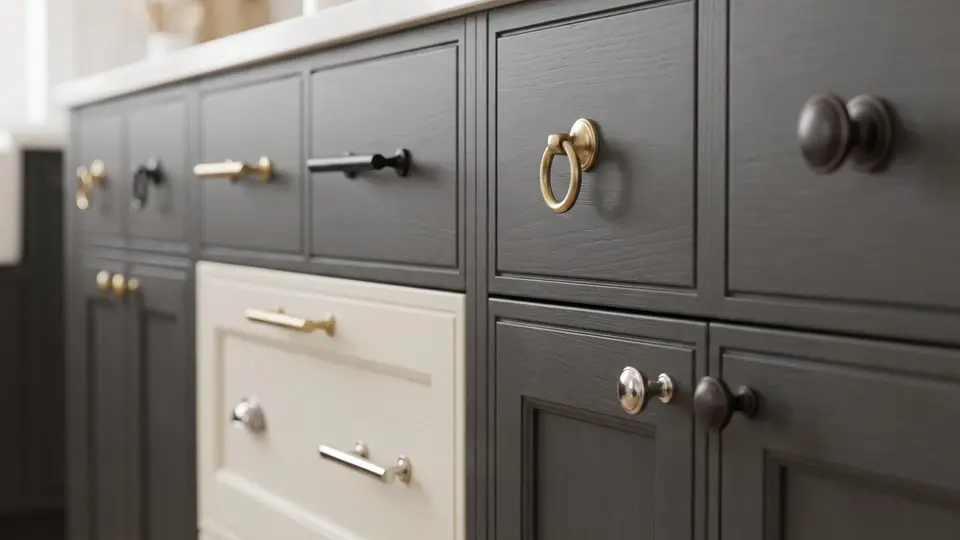
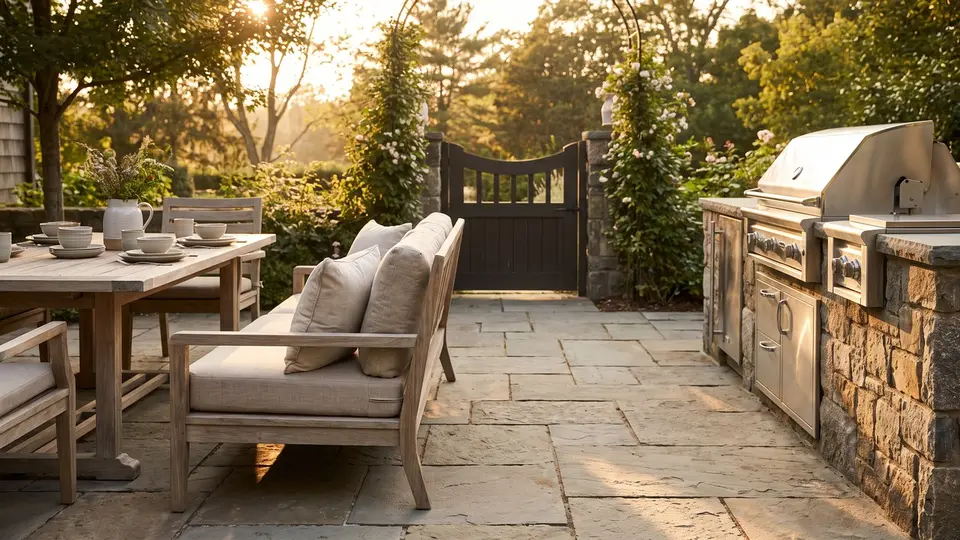
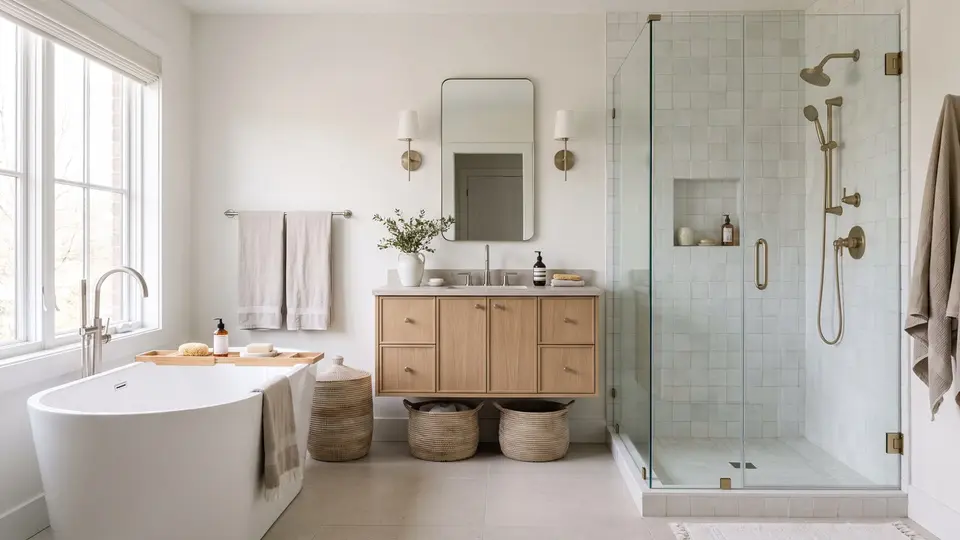
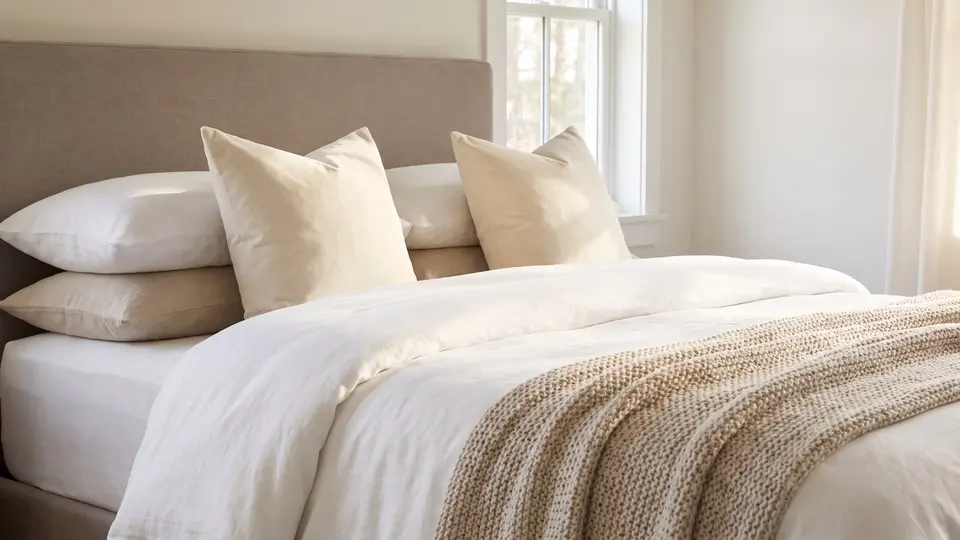
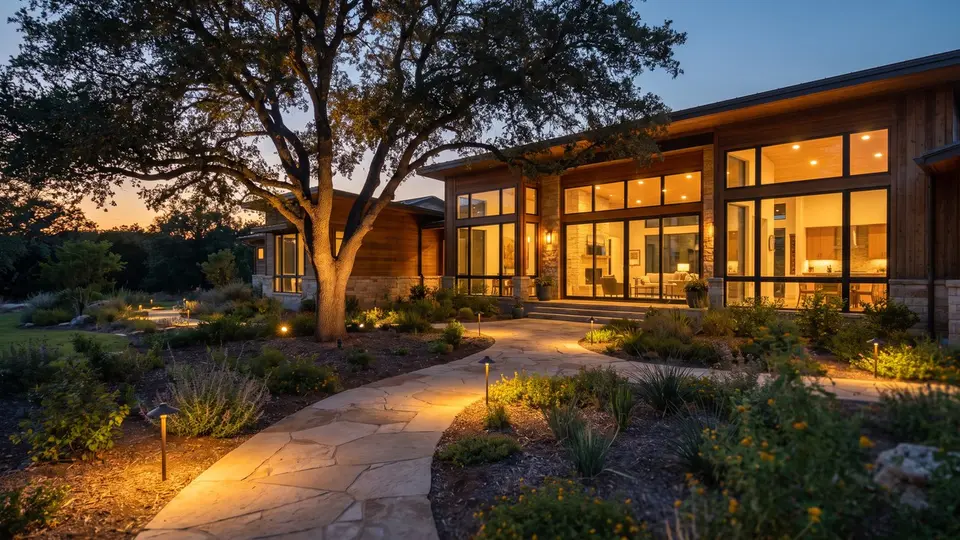
Crowd Favorites
Most Popular
The components my students reach for most often.


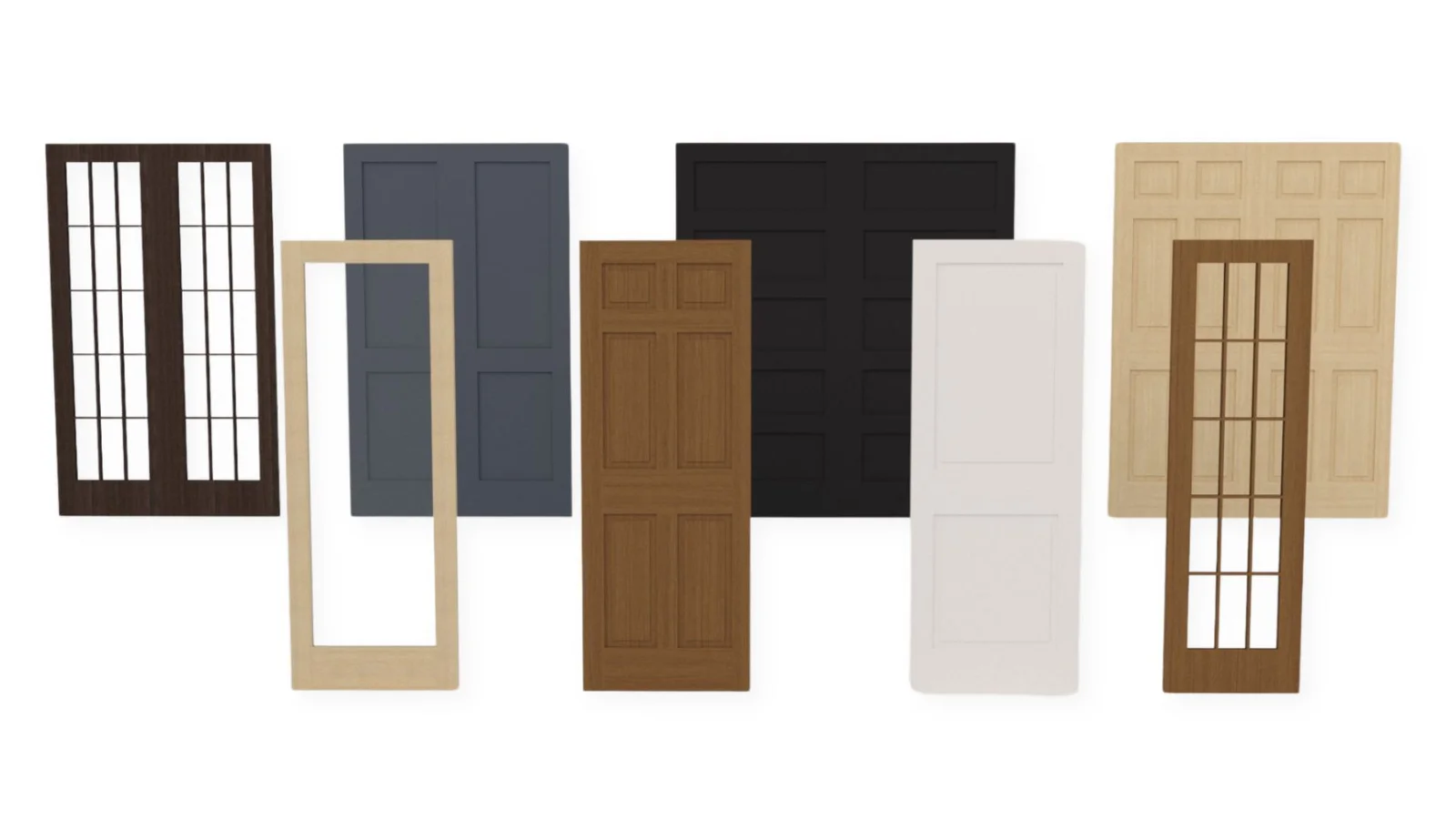

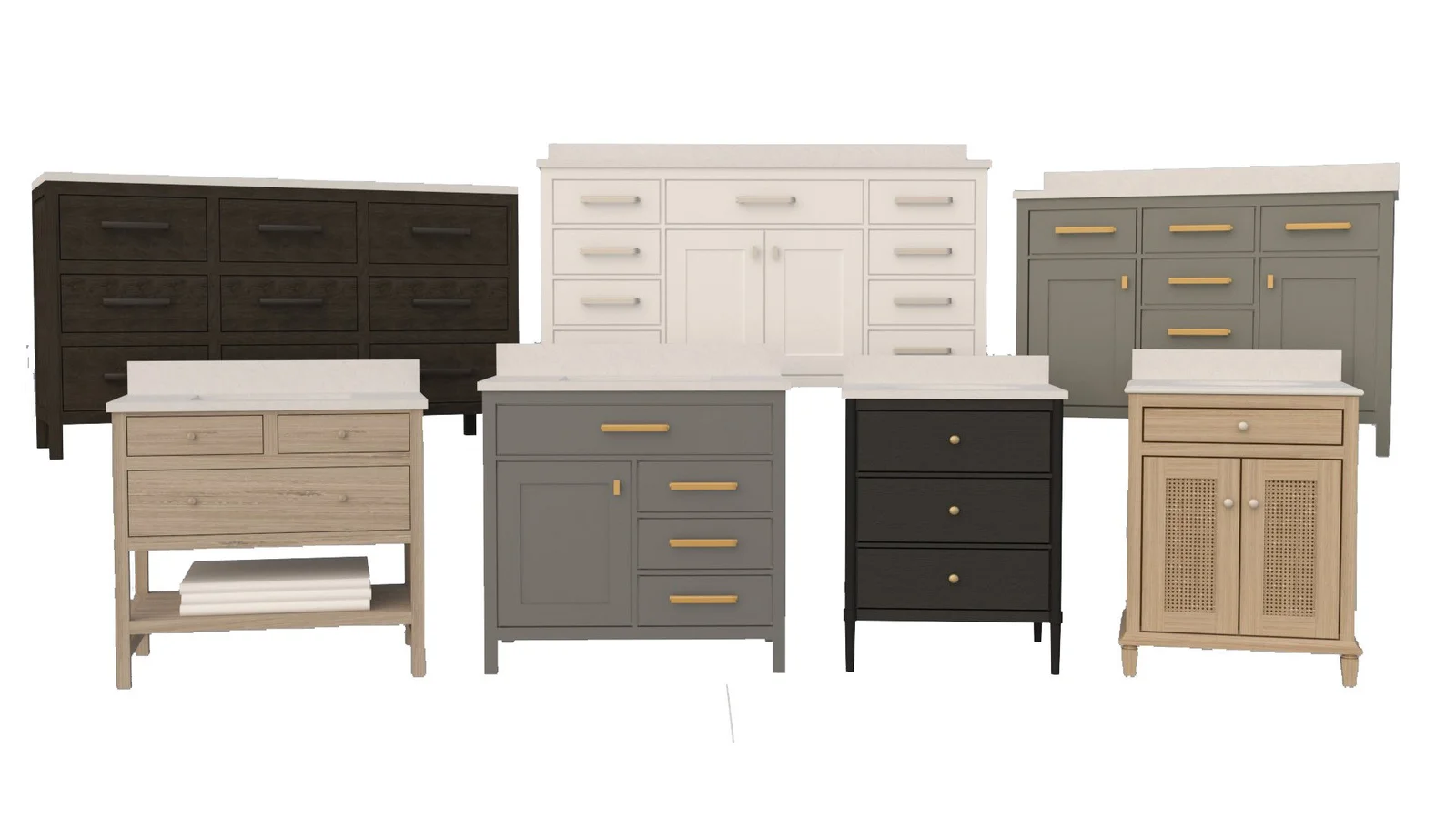
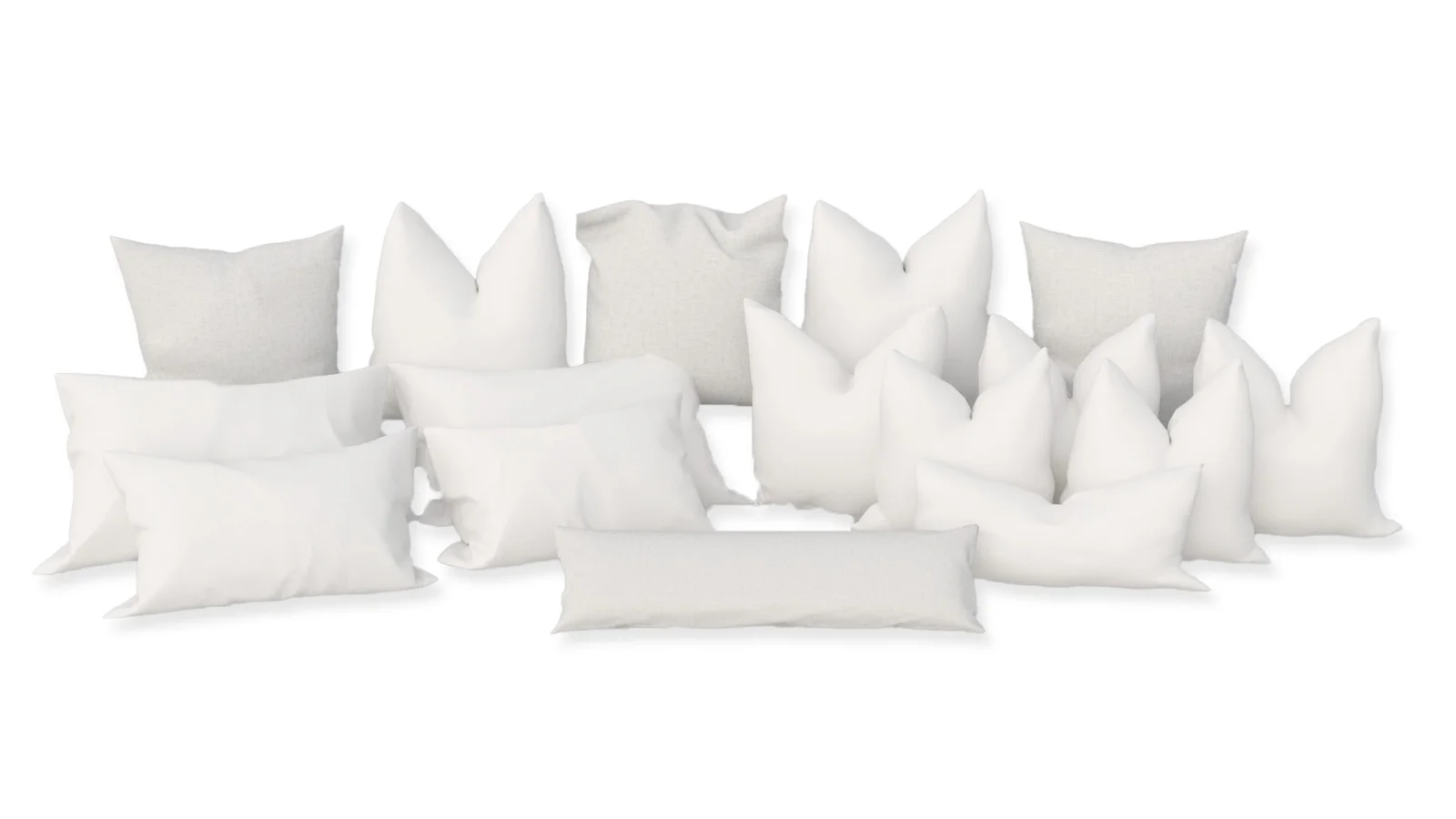
The FOCUSED 3D Library
Materials
Real-size PBR materials for SketchUp. Paint them onto any face and they show up at their true size, in the viewport and in your renders.
Browse the Catalog
Materials by Type
Every material in the library, sorted the way you shop for them. Pick a type to see them all.
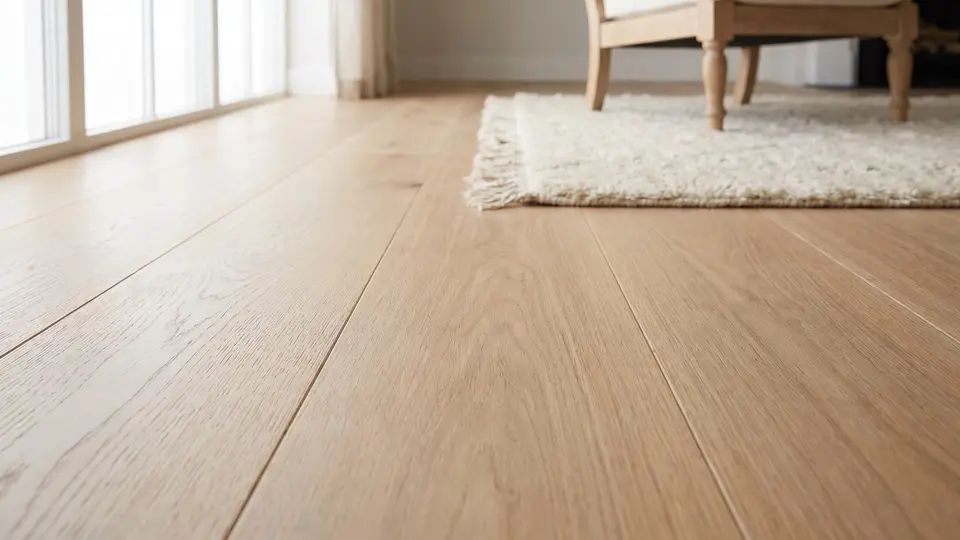 Wood Flooring 88 materials
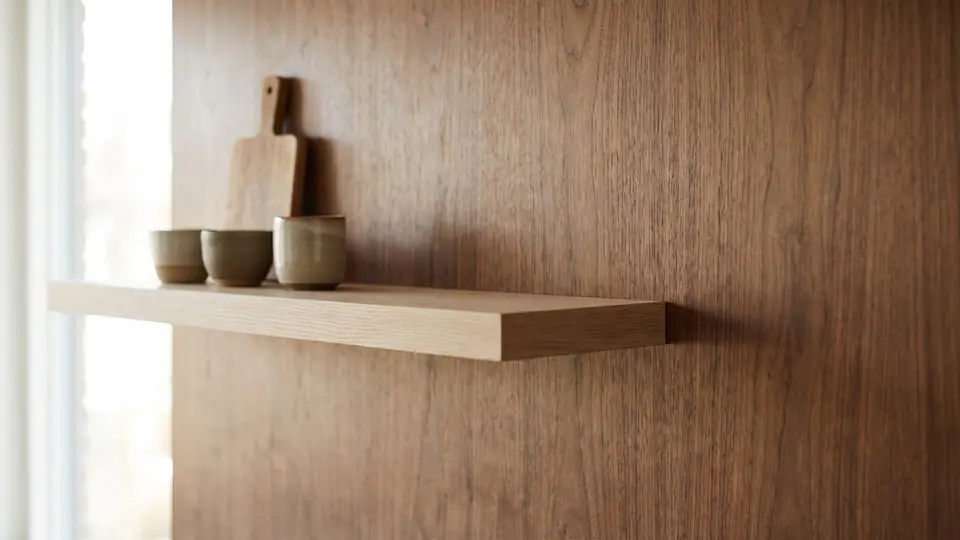 Wood 75 materials
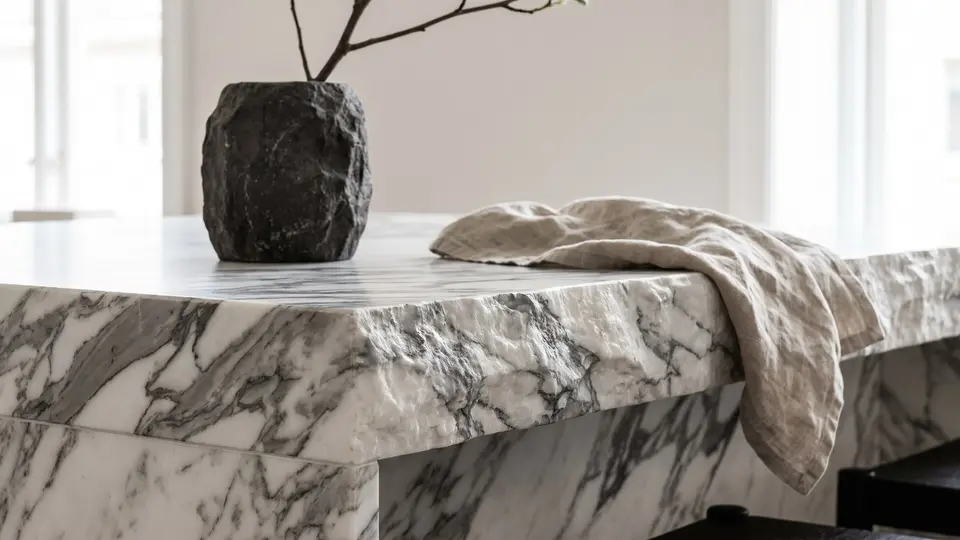 Stone 43 materials
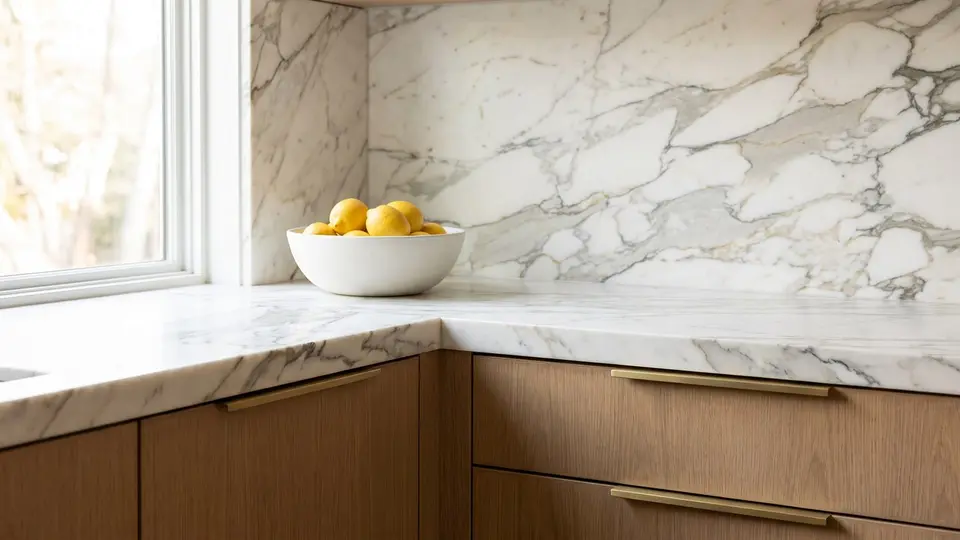 Countertops 45 materials
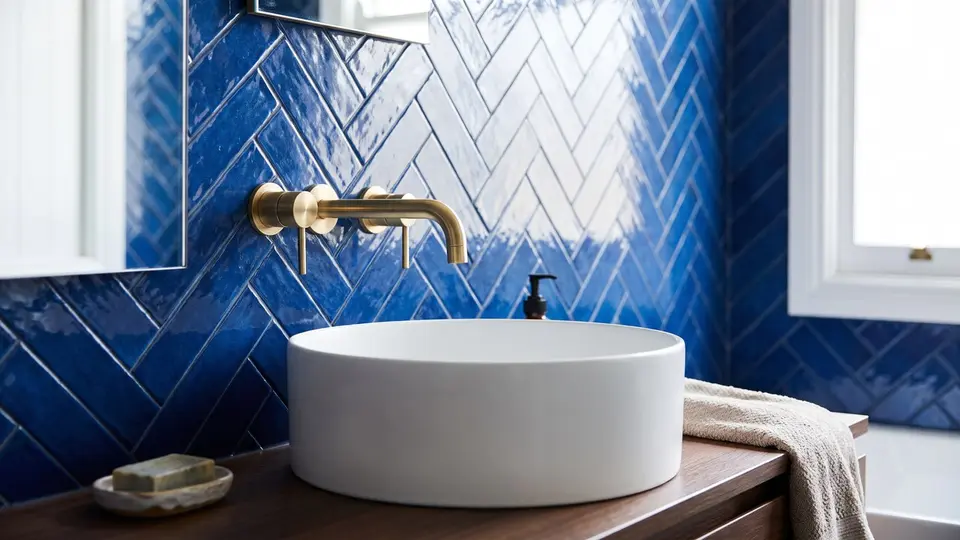 Tile 85 materials
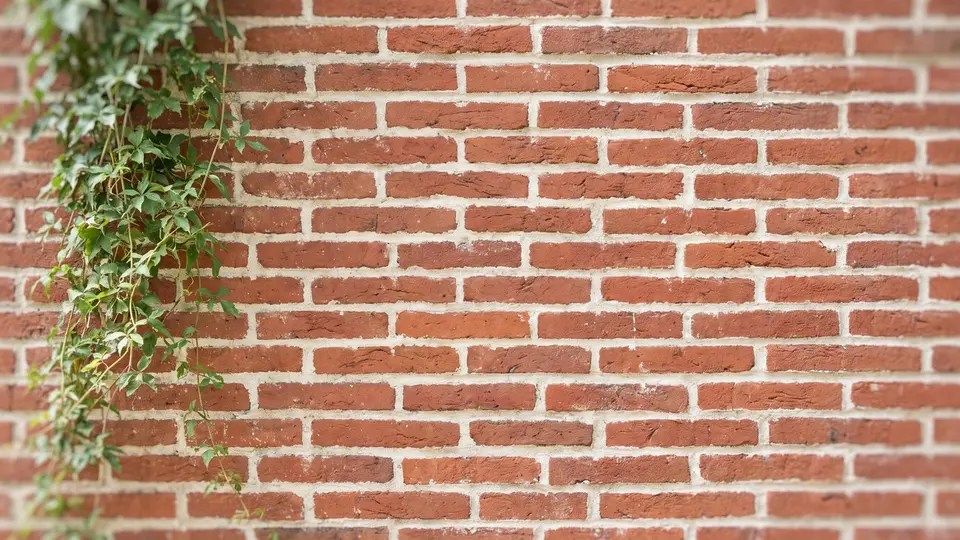 Brick & Pavers 37 materials
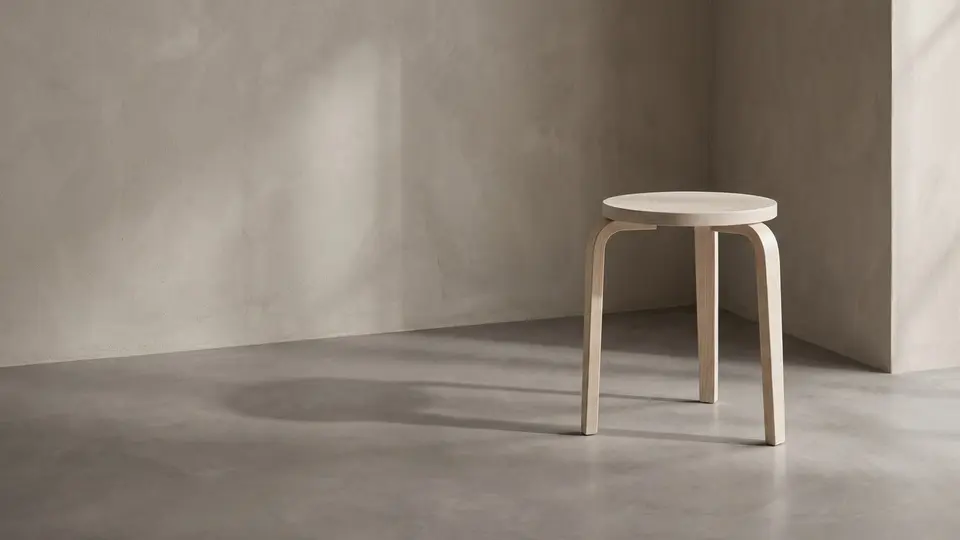 Concrete & Plaster 24 materials
 Metal 50 materials
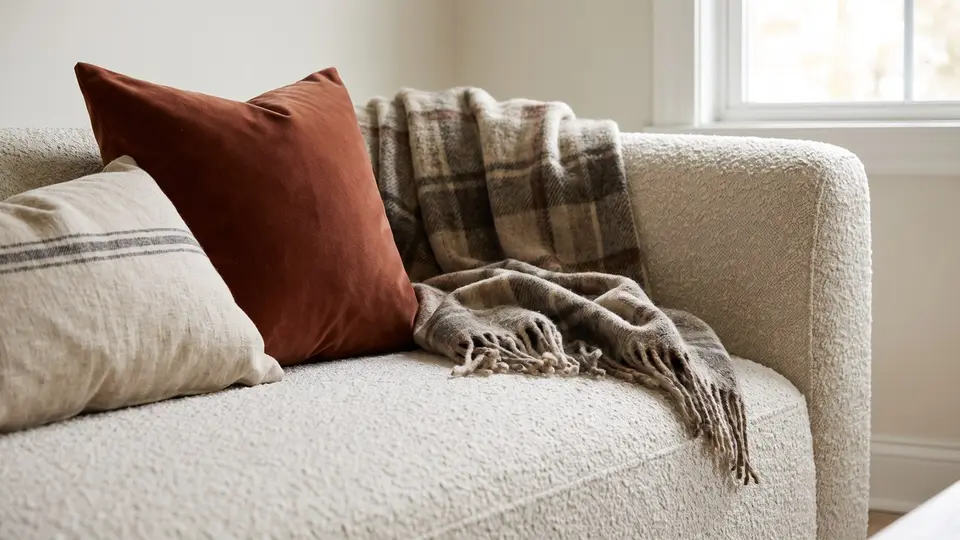 Fabric 77 materials
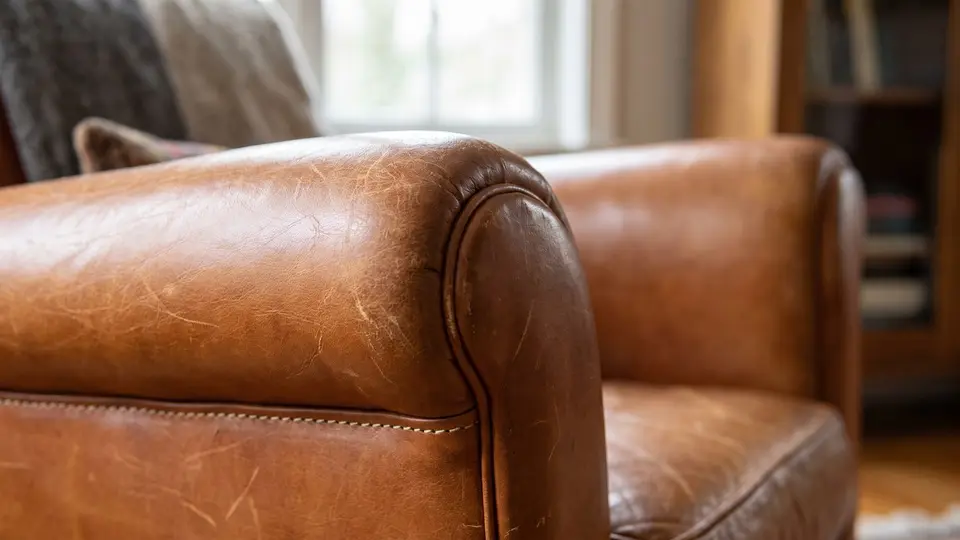 Leather 40 materials
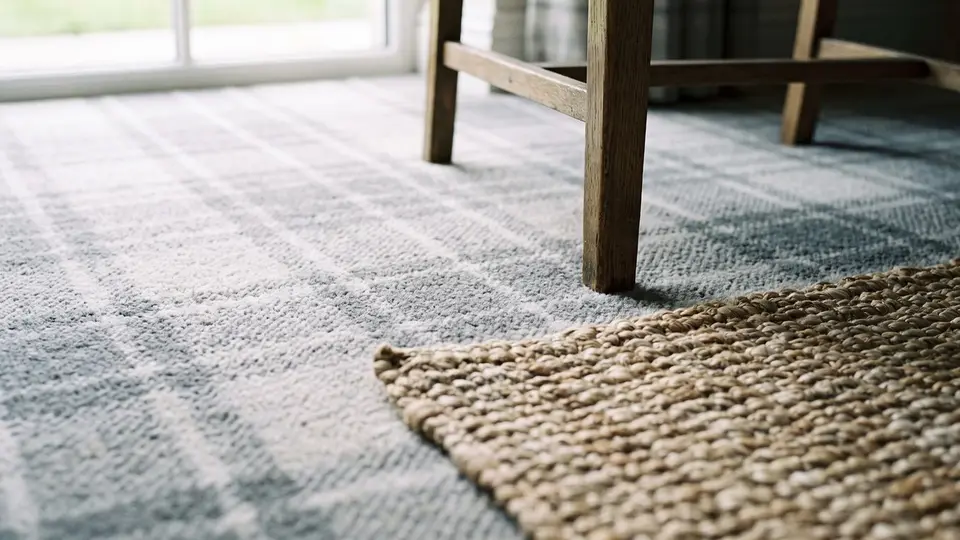 Carpet 18 materials
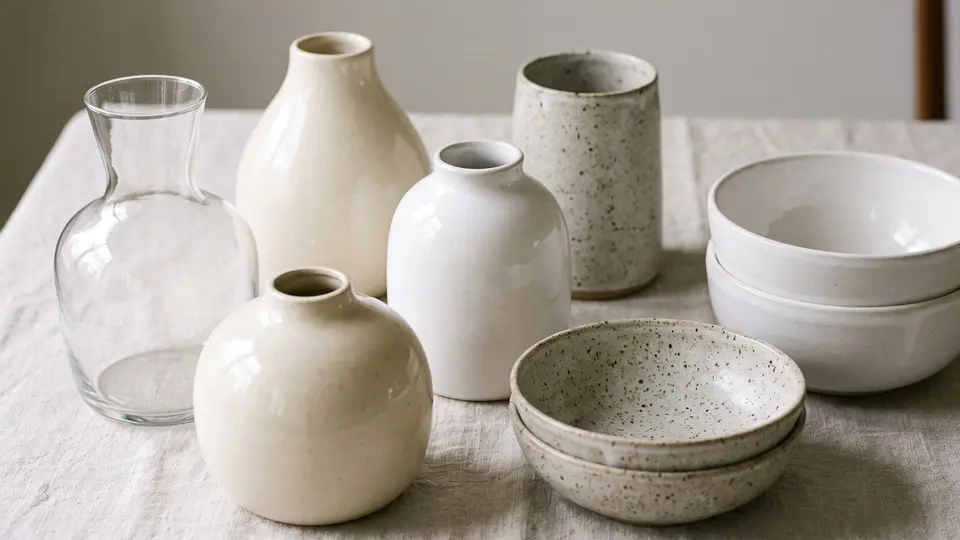 Ceramic 10 materials
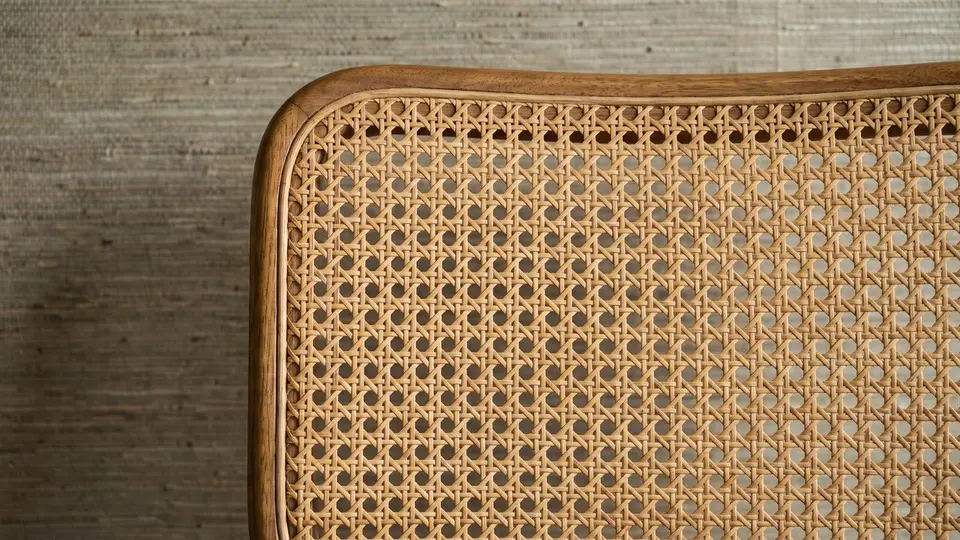 Natural Fiber 6 materials
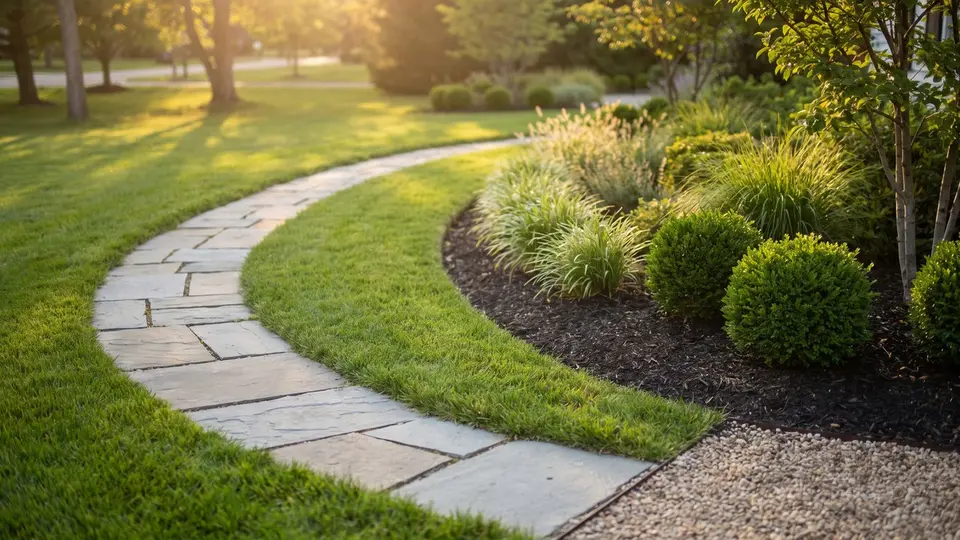 Landscape 90 materials
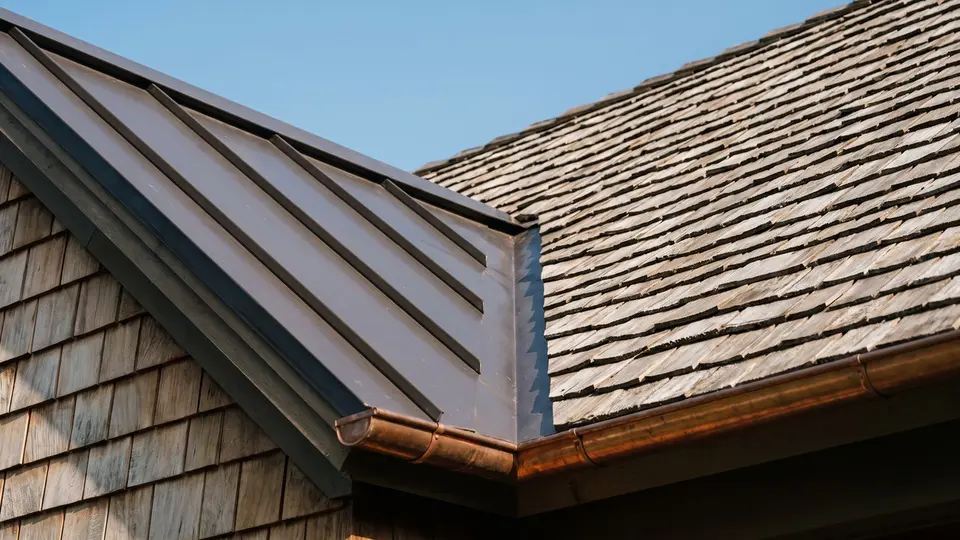 Roofing 58 materials
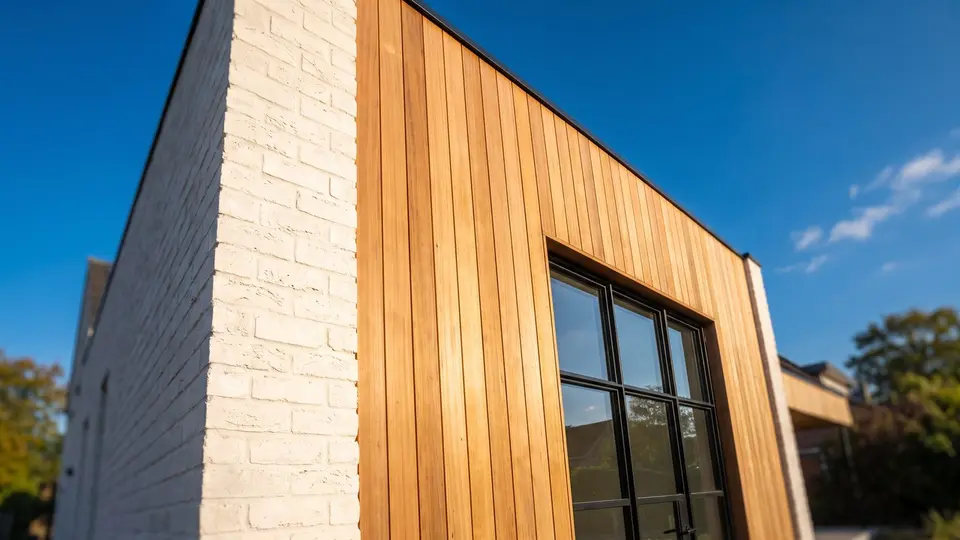 Outdoor 8 materials
Just Added
New Lawns and Landscape Ground
65 new ones: lawns with mowing stripes, fall leaves and worn spots, golf greens and fairways, tall grass and meadows, groundcovers, mulch in four colors, gravel, rock and soil.
-
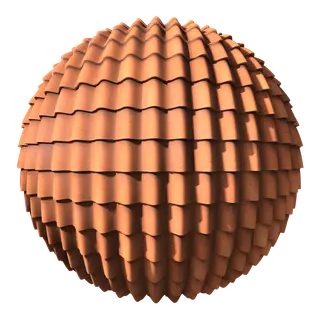 Free Roofing Clay S-Tile, Terracotta Repeats 5.5 ft × 6.5 ft
-
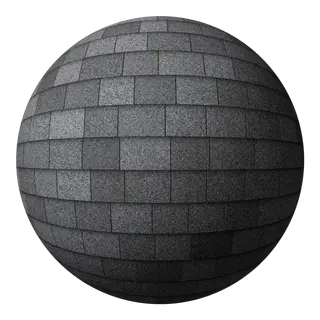 Free Roofing Asphalt Shingle, Architectural, Charcoal Repeats 6 ft × 5.6 ft
-
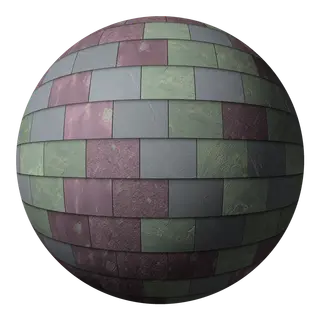 Roofing Slate, Variegated Purple and Green Repeats 6 ft × 5.7 ft
-
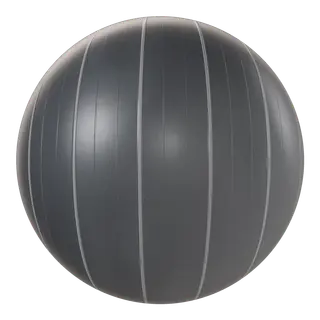 Free Roofing Standing Seam, 16 in, Charcoal Repeats 4 ft × 4 ft
-
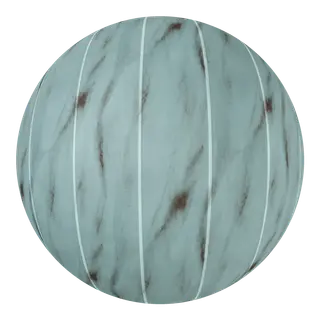 Roofing Copper Standing Seam, Full Patina Repeats 4 ft × 4 ft
-
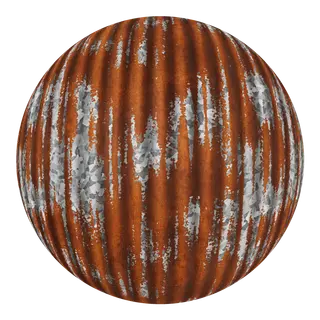 Roofing Corrugated, 2 2/3 in, Rusted Tin Repeats 32 in × 32 in
-
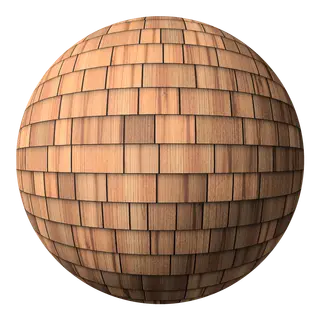 Roofing Cedar Shingle, New Repeats 5 ft × 5 ft
-
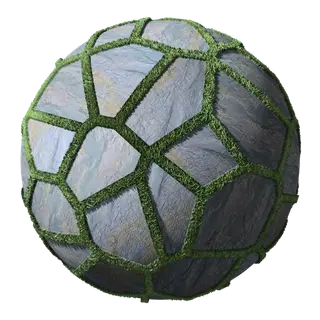 Flagstone Bluestone with Grass Joints Repeats 7.5 ft × 7.5 ft
-
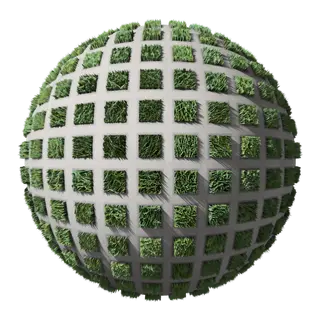 Pavers Turf Block, Grass Repeats 4 ft × 4 ft
-
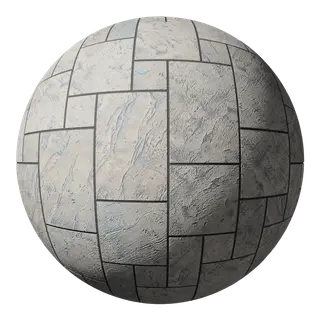 Free Stamped Concrete Ashlar Slate, Gray Repeats 12 ft × 6 ft
-
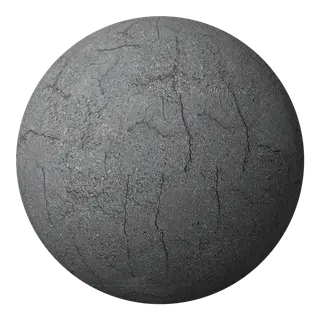 Asphalt Cracked, Medium Gray Repeats 6 ft × 6 ft
-
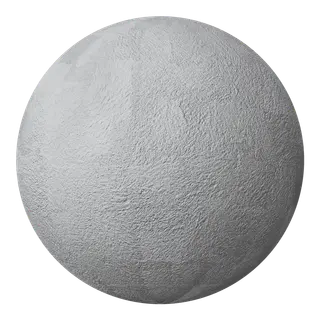 Free Snow Fresh Powder Repeats 6 ft × 6 ft
Inside SketchUp
How the Materials Work
-
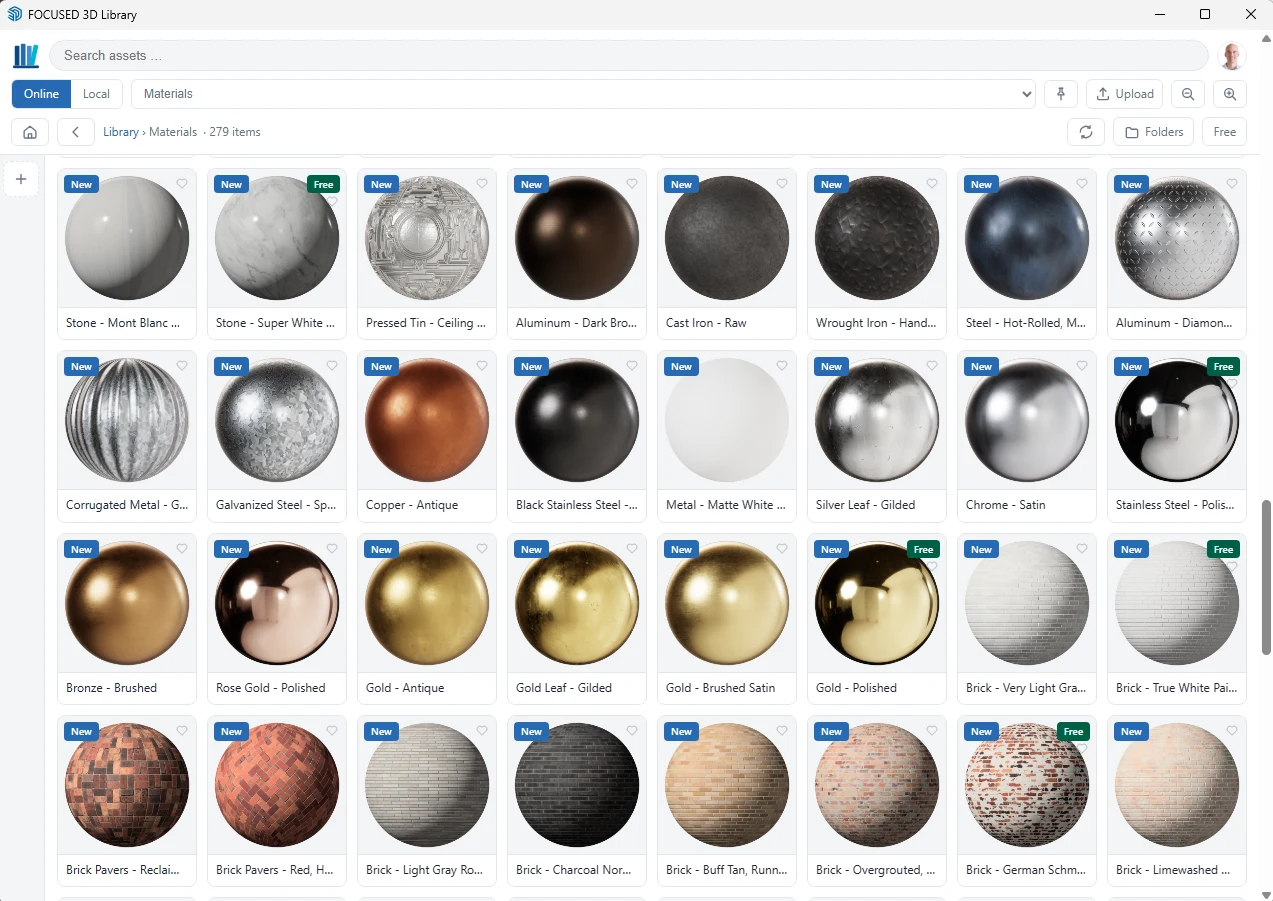
Step 1
Find it in the library window
Materials sit next to your components in the same window inside SketchUp, in folders by type, with search.
-
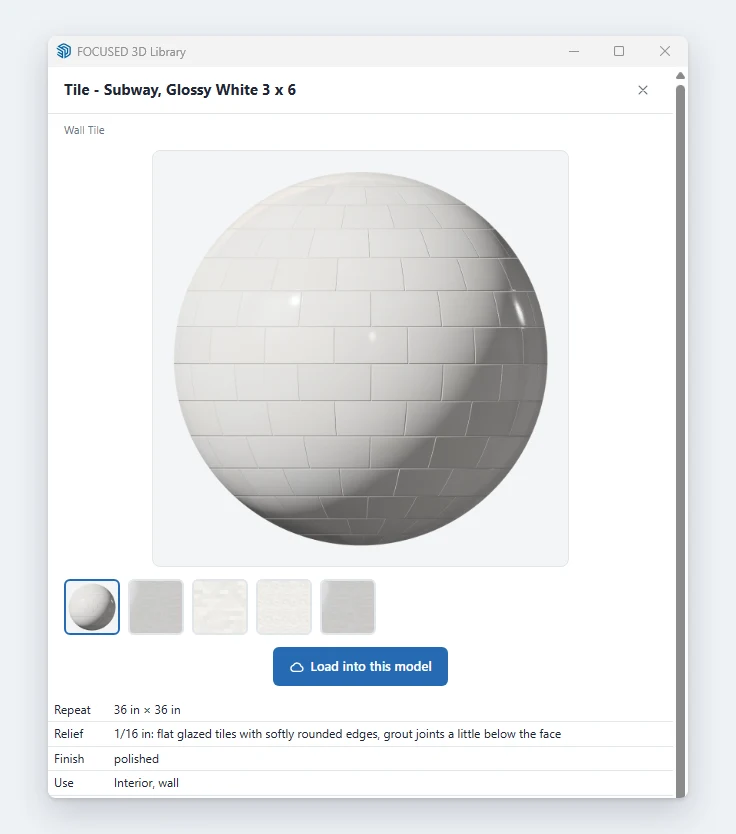
Step 2
Check the size and finish
Every material lists its real repeat size, relief and finish, so you know exactly what you are putting on the wall or floor.
-
Step 3
Paint it on, maps and all
One click loads it into your model at its true size, with the color, roughness, normal and AO maps already set up.
Materials need the FOCUSED 3D Library extension 1.1 or newer. More on how they are made: real-size PBR materials for SketchUp.
The FOCUSED 3D Library Extension
From the Library Into Your Model in One Click
Everything in the library lives inside SketchUp. Find what you need and drop it straight into your model, without leaving SketchUp.
- 1
Open the library inside SketchUp
The FOCUSED 3D Library window opens right next to your model. No website, no downloads folder, no zip files.
- 2
Browse or search
Open a category, drill into the style you want, or search by name. Thumbnails show exactly what you are getting.
- 3
Click and place
Click a component and it is on your cursor, ready to place. Keep clicking to place more copies. Materials paint straight onto a face at their true size.
- More about the extension →
Pricing
Join the FOCUSED 3D Library
One membership, every component and every material. Pick monthly or save with yearly.
Monthly
$47/month
Billed monthly. Cancel anytime.
- Every 3D component in the library (4,500+)
- Every material in the library (716)
- Everything I add next, at no extra cost
- Unlimited downloads inside SketchUp
- The FOCUSED 3D Library extension on 2 computers
- Commercial use in your client projects
Yearly
$470/year
Billed once a year. Save $94 versus monthly, two months free.
- Every 3D component in the library (4,500+)
- Every material in the library (716)
- Everything I add next, at no extra cost
- Unlimited downloads inside SketchUp
- The FOCUSED 3D Library extension on 2 computers
- Commercial use in your client projects
Not ready yet? The extension is free with a FOCUSED account, and so are 31 components and 70 materials. Download the free extension. The 3D Library is a separate membership from FOCUSED Pro.