3D Components
Outdoor
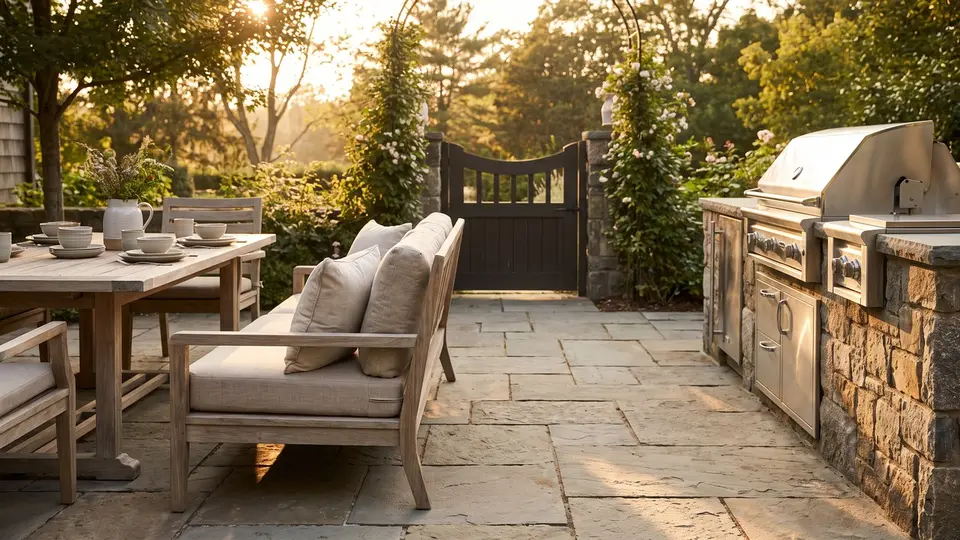
Dress up patios, pool decks and entries: modular outdoor furniture and fire tables, outdoor kitchen grills, burners and storage, and black metal entrance and pool gates.
Outdoor
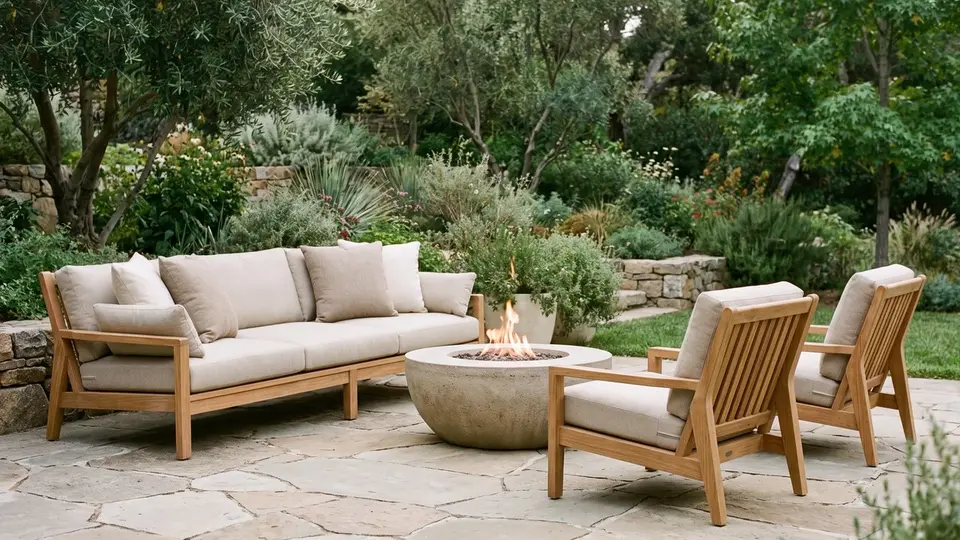
Outdoor Furniture
Modular sectionals, sofas, chaises, chairs, dining tables and fire tables.
82 components


Outdoor
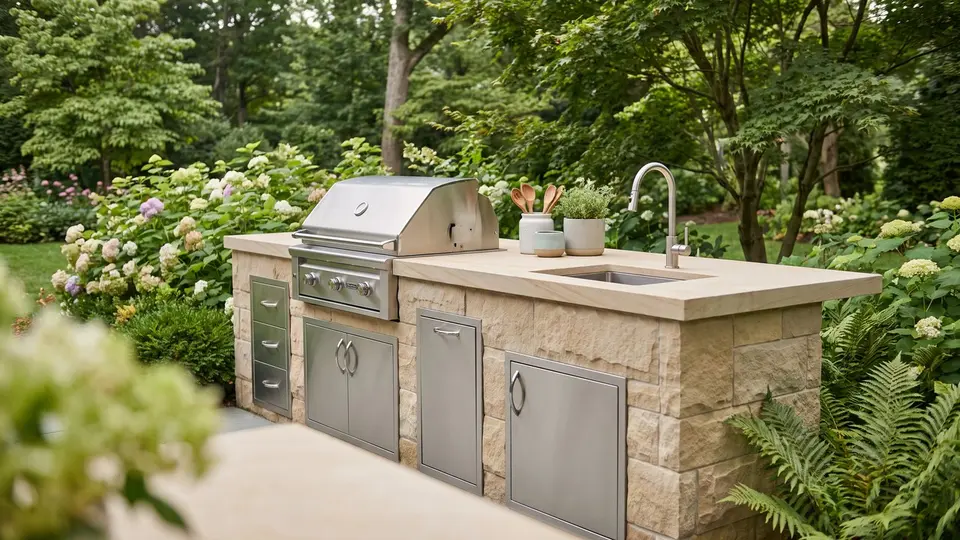
Outdoor Kitchen
Grills, side burners, drawers, doors, appliances and storage for outdoor kitchens.
50 components


Outdoor
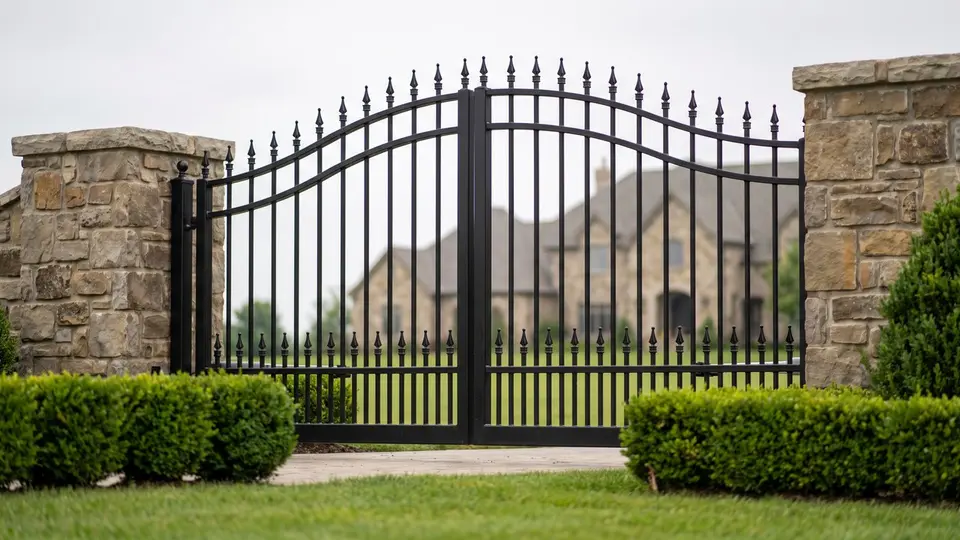
Gates
Black metal driveway entrance and pool gates in several styles and sizes.
52 components


The FOCUSED 3D Library Extension
From the Library Into Your Model in One Click
Everything in the library lives inside SketchUp. Find what you need and drop it straight into your model, without leaving SketchUp.
- 1
Open the library inside SketchUp
The FOCUSED 3D Library window opens right next to your model. No website, no downloads folder, no zip files.
- 2
Browse or search
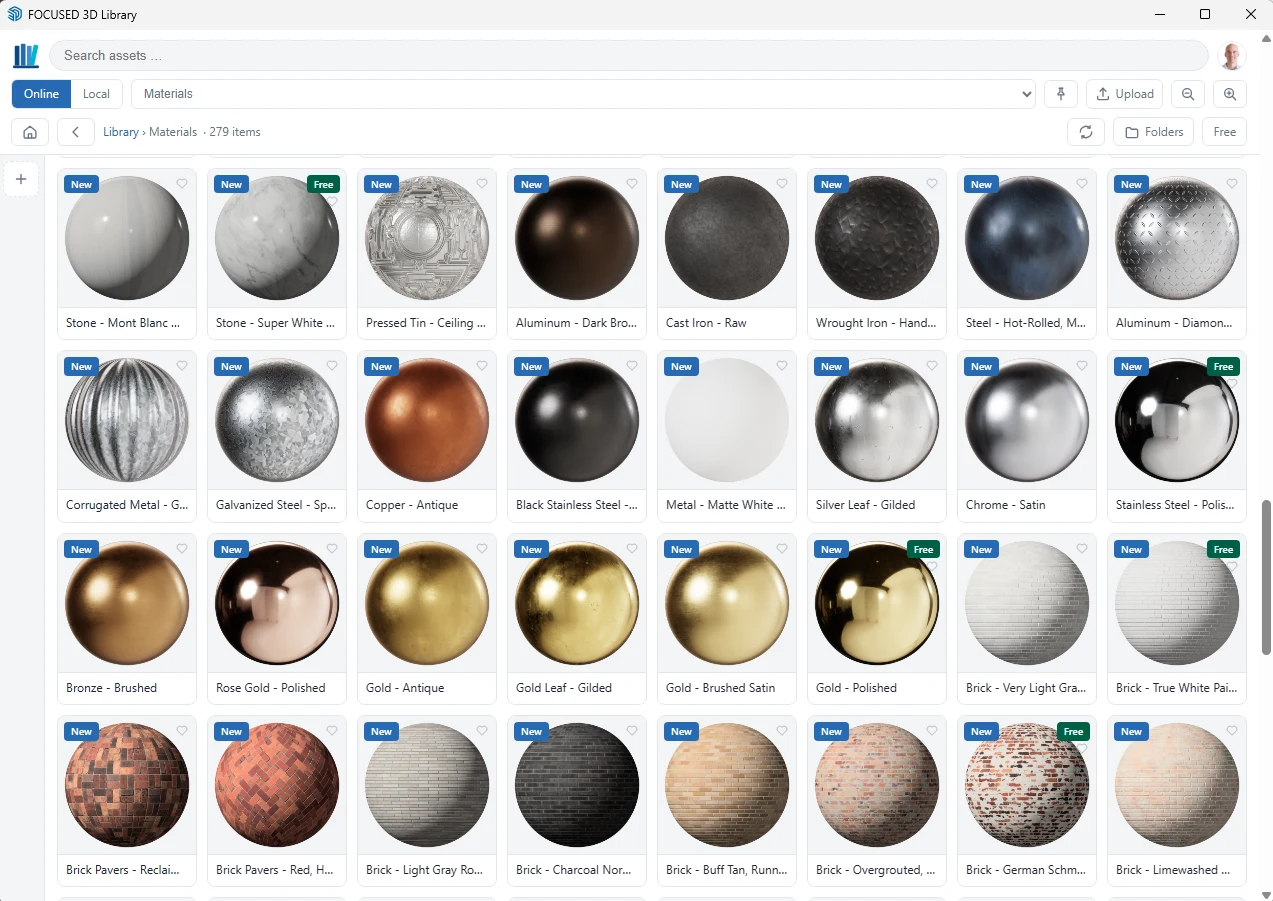
Open a category, drill into the style you want, or search by name. Thumbnails show exactly what you are getting.
- 3
Click and place
Click a component and it is on your cursor, ready to place. Keep clicking to place more copies. Materials paint straight onto a face at their true size.
- More about the extension →

Pricing
Join the FOCUSED 3D Library
One membership, every component and every material. Pick monthly or save with yearly.
Monthly
$47/month
Billed monthly. Cancel anytime.
- Every 3D component in the library (4,500+)
- Every material in the library (554)
- Everything I add next, at no extra cost
- Unlimited downloads inside SketchUp
- The FOCUSED 3D Library extension on 2 computers
- Commercial use in your client projects
Yearly
$470/year
Billed once a year. Save $94 versus monthly, two months free.
- Every 3D component in the library (4,500+)
- Every material in the library (554)
- Everything I add next, at no extra cost
- Unlimited downloads inside SketchUp
- The FOCUSED 3D Library extension on 2 computers
- Commercial use in your client projects
Not ready yet? The extension is free with a FOCUSED account, and so are 31 components and 54 materials. Download the free extension. The 3D Library is a separate membership from FOCUSED Pro.