FOCUSED D5 Render
Instant Access - Start Anytime!
FOCUSED D5 Render is a powerful course that teaches you how to turn your SketchUp models into stunning, photorealistic images and cinematic animations using D5 Render—a real-time rendering engine that’s fast, intuitive, and easy to learn.
Design in Real-Time
Whether you’re a designer, architect, or DIYer, this course will help you:
- Create photorealistic images and cinematic animations fast with D5 Render
- Transform SketchUp models into professional, client-ready visuals
- Master lighting, materials, and camera movement with ease
- Elevate your presentations, portfolio, and social media content
SEE MY SKETCHUP TO D5 WORKFLOW WITH
SketchUp LiveSync
Powered by the D5 Render Extension in SketchUp, this tool creates a live connection from SketchUp to D5 Render so that you can work in both environments at the same time, with real-time updates.
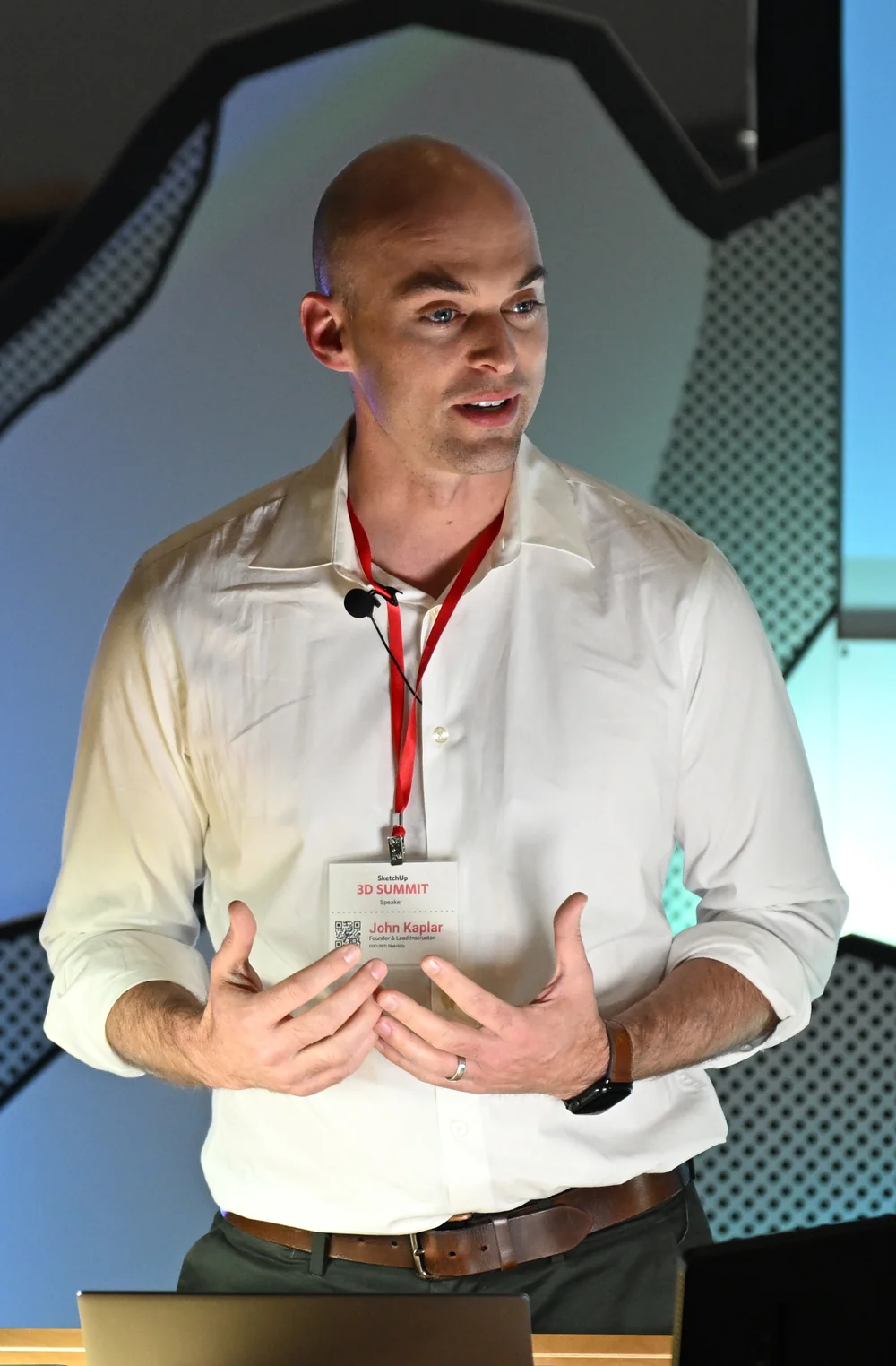
JOHN KAPLAR - FOUNDER & INSTRUCTOR
Why I Created This Course
I’m a designer (along with my wife, Megan) for our firm, Arched Manor, where we’ve built a reputation for creating visuals that bring our designs to life. I’ve used SketchUp and V-Ray for years to produce stunning, photorealistic renders—but when I started rendering my projects in D5 Render, everything changed. The speed, realism, and cinematic quality instantly elevated our presentations and client reactions.
I created the FOCUSED D5 Render course because I know how valuable your time is. As a working designer, I wanted a fast, practical way to teach others how to create high-end visuals—without complex settings or post-production software. This course shows you exactly how to use D5 to produce professional images and animations that capture attention, tell a story, and make your designs stand out.
Who Is This Course For?
SEE MY SKETCHUP TO D5 WORKFLOW WITH
Interior Designers
Kitchen & Bath Designers
Architects
Landscape Designers
Pool & Patio Designers
Renovation Contractors
Home Stagers
Furniture Designers
Real Estate Agents
Property Developers
DIY Home Renovators
3D Visualization Artists
SketchUp + V-Ray Users
Social Media Managers in Design
Marketing Professionals
Course
Breakdown
FIND OUT
What You’ll Learn Inside the Course
Module 1 - Introduction to D5 Render
- Overview of D5 Render
- Installation and Setup
- Interface Navigation
- Using the AI Agent
Module 1 - Introduction to D5 Render
- Overview of D5 Render [7:56]
- Installation and Setup [9:03]
- Interface Navigation [13:57]
- Using the AI Agent [2:30]
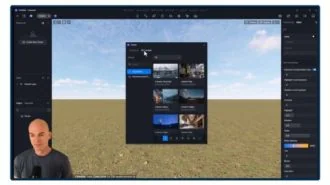
Module 2 - Importing and Managing Models
- Importing Models into D5 Render
- Managing and Organizing Models
- Using the Asset Library
Module 2 - Importing and Managing Models
- Importing Models into D5 Render [13:43]
- Managing and Organizing Models [6:10]
- Using the Asset Library [13:08]
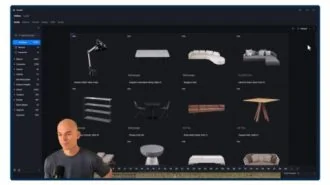
Module 3 - Materials and Textures
- Exploring the D5 Material Museum
- Applying & Customizing Materials
- Using AI Tools for Materials
Module 3 - Materials and Textures
- Exploring the D5 Material Museum [10:52]
- Applying & Customizing Materials [12:05]
- Using AI Tools for Materials [13:59]
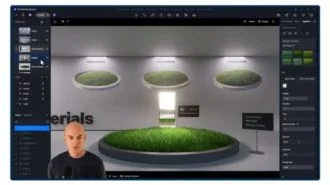
Module 4 - Lighting and Environment
- Basic Lighting Setup
- Sun, Sky, Clouds, and Using HDRIs
- Using and Managing Presets
Module 4 - Lighting and Environment
- Basic Lighting Setup [22:17]
- Sun, Sky, Clouds, and Using HDRIs [11:25]
- Using and Managing Presets [4:24]
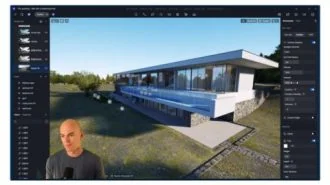
Module 6 - Rendering Basics
- Render Settings Overview
- Exporting Images
- AI Image Enhancer for Renders
- Creating Camera Animations
Module 6 - Rendering Basics
- Render Settings Overview [5:09]
- Exporting Images [10:03]
- AI Image Enhancer for Renders [11:11]
- Creating Camera Animations [21:19]
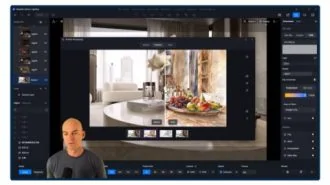
Module 7 - SketchUp Integration
- SketchUp LiveSync with D5 Render
Module 7 - SketchUp Integration
- SketchUp LiveSync with D5 Render [16:21]
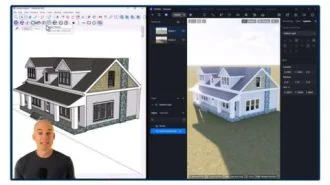
Module 8 - Demo Projects
- Primary Bedroom - Part 1
- Primary Bedroom - Part 2
- Primary Bedroom - Part 3
Module 8 - Demo Projects
- Primary Bedroom - Part 1 [50:07]
- Primary Bedroom - Part 2 [42:39]
- Primary Bedroom - Part 3 [26:20]
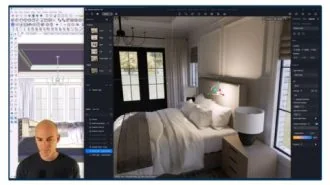
PLUS, I'LL GIVE YOU MY
D5 Paint Packs
You’ll get my Sherwin Williams Paint Pack with 50 of their most popular colors AND my Benjamin Moore paint pack with their top 75 most popular colors. You can’t find or buy these anywhere – exclusive to FOCUSED SketchUp.
YOU'LL ALSO GET
Three FREE Bonus Items
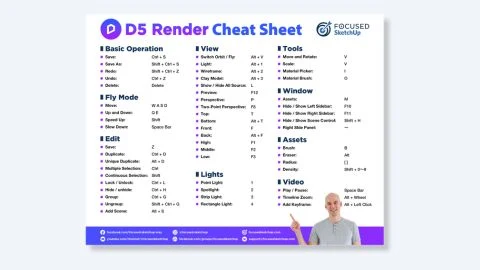
My D5 Render Cheat Sheet PDF

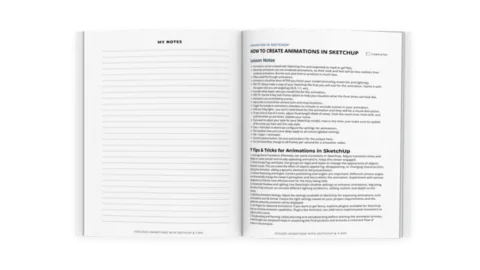
50 Page Printable Course Guide with Lesson Notes (pdf)

Private Facebook Group Access for support and help from students (and me)
NO RISK OFFER
Satisfaction Guarantee
I am so certain you will love this program that I am offering a Risk-Free 14-Day Money Back Guarantee! After 14 days, if you are not satisfied with the course and decide it’s not for you, I will give you a full refund.
All you have to do is contact me within 14 days of purchasing, and I will give you 100% of your money back.

FAQ'S AND ANSWERS
FAQ - Course Content and Structure
This course covers everything you need to create professional, photorealistic visuals in D5 Render, including how to import and manage SketchUp models, use the Asset Library, apply and customize materials, leverage AI material tools, set up natural and artificial lighting, work with HDRIs and environment presets, configure cameras and views, create basic animations, export high-quality renders, enhance images with AI tools, and use SketchUp LiveSync for real-time updates. You’ll also follow a full, step-by-step demo project where you build and render a primary bedroom scene from start to finish.
By the end of the course, you’ll be able to take any SketchUp model and transform it into stunning, photorealistic images, cinematic animations, and smooth walkthrough videos using D5 Render. You’ll know how to import and organize models, apply high-quality materials, build realistic lighting setups, control environments and cameras, create both still images and animated sequences, and export polished, professional visuals for client presentations, social media, websites, ads, and portfolio use. You’ll also be able to use D5’s AI tools to enhance materials and improve image quality, integrate SketchUp LiveSync for real-time updates, and confidently produce project-ready results through the guided demo project included in the course.
This course is absolutely beginner-friendly. It was designed for anyone who is new to D5 Render, and it teaches every tool, workflow, and concept step-by-step in a clear, structured format. You don’t need prior rendering experience to succeed. Even though it’s accessible for beginners, the course is powerful enough to take you to a professional level, covering everything from importing models and applying materials to lighting, animations, and real-time rendering workflows. The internal skill level defined for this course is Beginner.
There are no formal prerequisites for the FD5R course. It’s designed for beginners, so you can jump in even if you’ve never used a rendering engine before. While basic SketchUp experience is helpful, it’s not required. However, you will need a Windows-based computer with a powerful graphics card, since D5 Render does not run on Mac and requires a GPU capable of handling real-time rendering. As long as your system meets D5’s hardware requirements, the course will guide you step-by-step through everything you need to know.
Yes! When you enroll, you’ll get immediate access to a printable PDF course guide that outlines each lesson, includes notes, and provides space for you to follow along and take your own notes. It’s your step-by-step roadmap through the course.
Yes. The FD5R course is very hands-on. Throughout the training, you’ll follow along inside D5 Render as you import models, apply materials, set up lighting, adjust environments, create camera views, and render both images and animations. The course also includes a full, step-by-step primary bedroom demo project taught across three lessons, where you build, light, and render an entire scene from start to finish. This guided project is designed to help you apply every skill you learn in a real-world workflow.
FAQ - Duration and Timing
The entire course takes about 6 hours to complete. Each lesson is short and focused, so you can learn everything in one sitting—or break it up and go at your own pace.
Absolutely! You get lifetime access to all the lessons, tools, and downloads—so you can revisit the content anytime, even after you’ve completed the course.
FAQ - Delivery and Format
All course content is delivered through on-demand video lessons that you can watch at your own pace. You’ll also receive a printable PDF course guide with lesson notes and helpful resources. No live sessions, no deadlines—just flexible, self-paced learning.
Yes. The FD5R course includes several helpful downloadable resources to support your workflow. You’ll get a printable PDF course guide with lesson notes and space for your own notes, plus a printable D5 Render cheatsheet for quick reference. I also provide sample demo projects and the SketchUp files used throughout the lessons so you can follow along step-by-step. And to make your renders even more realistic, you’ll receive both my Sherwin-Williams Paint Pack and Benjamin Moore Paint Pack, which allow you to instantly apply real, popular paint colors inside D5 Render. These resources ensure you have everything you need to learn efficiently and produce high-quality results.
Yes. When you enroll in the FD5R course, you get access to my private facebook student group, where you can ask questions, get support, share your work, and connect with other designers who are learning D5 Render alongside you. It’s a helpful space to stay motivated, get feedback, and never feel stuck during the learning process.
Technically speaking, yes, the course pages are mobile friendly, but I do not recommend viewing the lessons on a mobile device. It would be too small to see what I’m doing in the video, which is why the lessons should be viewed on a standard size screen or monitor.
FAQ - Technical Requirements
Yes. To take this course, you’ll need to install D5 Render, which requires a Windows-based computer. D5 Render does not run on Mac, so a Windows machine is essential. You’ll also need a powerful, dedicated graphics card (GPU) capable of handling real-time rendering, since D5 relies heavily on GPU performance for smooth navigation, lighting previews, and fast final outputs. If your computer meets D5’s hardware requirements, you’ll be able to follow along with all lessons and complete the included demo projects without issues.
No. D5 Render does not run on iPads or any mobile devices. Because D5 is a real-time rendering engine that requires a Windows computer with a powerful GPU, you’ll need a compatible Windows machine to participate in the course and follow along with the lessons.
No. D5 Render is Windows-only and cannot run on macOS. Because the software requires a Windows system with a powerful dedicated GPU, you’ll need a Windows-based computer to follow along with the FD5R course and use the tools taught inside it.
You do not need to purchase any additional software to take the FD5R course, but you will need access to D5 Render, since the entire program is taught inside that software. The course itself does not include D5 Render, and the FD5R guide simply teaches you how to use it step-by-step. As long as you have D5 Render installed on a compatible Windows computer with a strong GPU, you’ll be able to follow along with every lesson and complete the demo projects.
FAQ - Payment and Pricing
The course is just $497 USD. That includes all video lessons, downloadable resources, lifetime access, and a 14-day money-back guarantee—so you can enroll with total confidence.
Yes, payment plans are available at checkout from Klarna and AfterPay for US residents only.
Within the first 14-days of purchasing, if you are not 100% satisfied, simply let me know and I will give you a full refund! This means that anytime within 14 days after purchasing, you can request a full refund. This is a rare thing in virtual learning, but I'm happy to offer this so you have peace of mind when purchasing. Any request past 14 days will not be valid.
There are no extra costs required to participate in the course itself. All course materials, downloadable resources, sample SketchUp files, and paint packs are included with your enrollment at no additional charge. The only potential cost is D5 Render, since the software is not included with the course. D5 offers both free and paid versions, so depending on your needs, you may choose to upgrade—but it’s not required to complete the training. As long as you have D5 Render installed on a compatible Windows computer with a capable GPU, you’ll have everything you need to follow along.