
FOCUSED Tools · Curved Surfaces
Bend Hardware Onto a Curved Surface in SketchUp
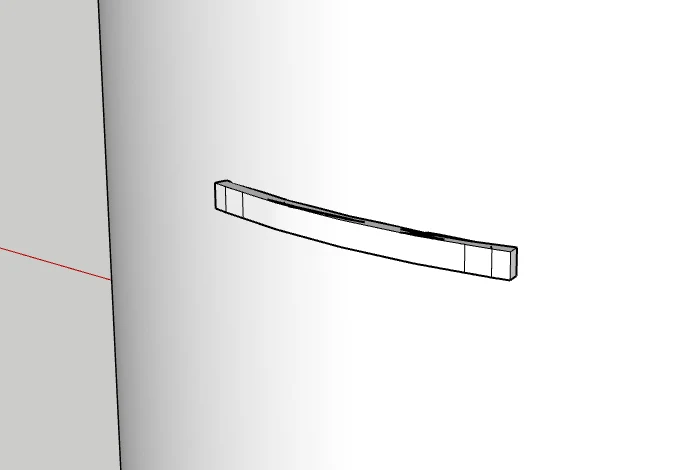
Select a bar pull, a panel or lettering and click the curved surface. It is bent so it lies on the surface, and FOCUSED Move slides it round the curve into place.
Part of FOCUSED Tools · Free 7-day trial
Preview
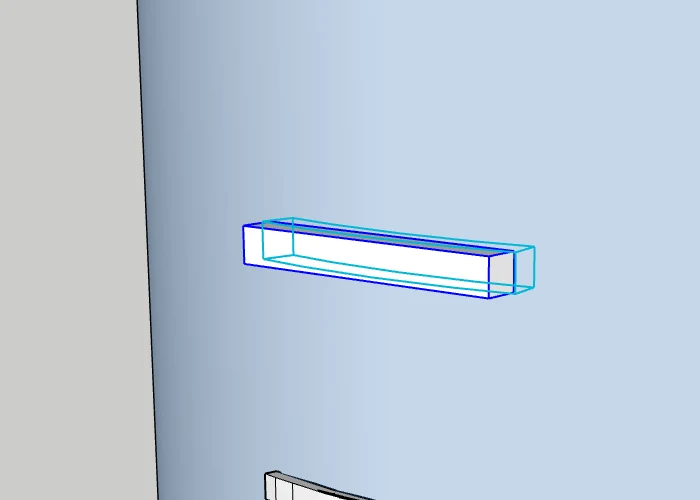
See the Bend Before You Click
Point at the curved surface and it lights up, with the object drawn bent onto it. Click and it is done.
- Tab chooses which side of the object faces the surface.
- Type a length for a gap, before or straight after the click.
- Select several objects and they are all bent at once.
With FOCUSED Move
Slide It Round the Curve
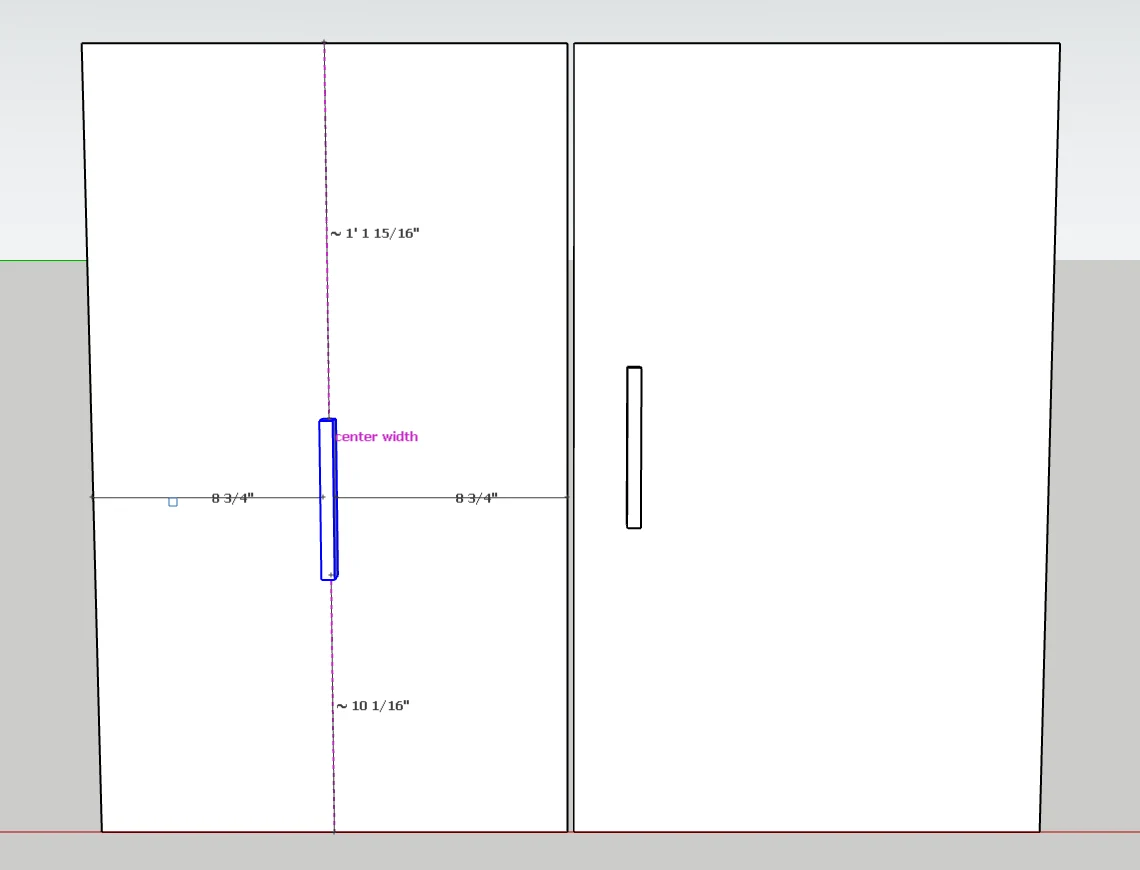
Pick the bent object up with FOCUSED Move and it slides along the surface, bending again in real time as it goes. The same guides snap it to the center height and center width of the surface.
How It Works
A Bar Pull on a Bow Front
- 1
Select the object
A bar pull, a panel, lettering or trim: any group or component, or several at once.
- 2
Click the curved surface
A preview shows the bend first. Tab picks the side that faces the surface; type a length for a gap.
- 3
Slide it into place
Pick it up with FOCUSED Move and it bends again as it slides round the curve.
Why It's Better
Why Designers Bend With Curve to Surface
| FOCUSED Curve to Surface | Bending by hand | Typical bending plugins | |
|---|---|---|---|
| One click onto the surface | ✓ | — | Draw a curve to bend along |
| Preview before the bend | ✓ | — | Varies |
| Nothing stretches on cylinders and bow fronts | ✓ | — | Varies |
| Re-bends as you slide it along the surface | ✓ | — | — |
| Fit again, set a gap or unbend later | ✓ | — | Varies |
| Keeps materials, textures and soft edges | ✓ | By hand | Varies |
FAQ
Questions, Answered
What does Curve to Surface do?
Does the object stretch?
Where does the object end up?
Can I move it after it is bent?
Can I undo the bend later?
Does it keep my materials?
Download & Pricing
Coming Soon in FOCUSED Tools
FOCUSED Curve to Surface comes with FOCUSED Tools, together with Profiles, Bevel, curved Push/Pull and Offset, Scale to size, Stretch, Drop, Move and the Scene Manager.
Free 7-day trial · Included with FOCUSED Pro