
FOCUSED Tools · Curved Surfaces
Push/Pull and Offset on Curved Surfaces in SketchUp
SketchUp's Push/Pull and Offset, plus curves. Pull a bow front out as one surface, offset a door outline along it, and add segments with an arrow key.
Part of FOCUSED Tools · Free 7-day trial
Push/Pull
The Whole Curve Moves Together
Point at a curved surface and every facet lights up together. Pull it out or push it in and it stays one smooth, closed surface, with its segment count kept.
- Click, move, click or type a distance, like SketchUp.
- Push a recessed panel back out and it snaps flush.
- Select several faces first and they move together.
Offset
Outlines That Follow the Curve
Offset a curved front 3" and the outline runs across every facet, 3" in from each edge measured along the curve. Push the panel in and the door stays curved: a recessed door on a bow front in two steps.
- Holes stay open, arcs come back as arcs, overlaps at tight corners are cleaned up.
- Lines drawn on a curved surface offset along it too.
Segments
More or Fewer Segments, Same Shape
Too faceted for a close-up, too heavy for the model? Press the right arrow to double the segments and the left to halve them. A circular edge stays on its circle and comes back as an arc.
Thickness
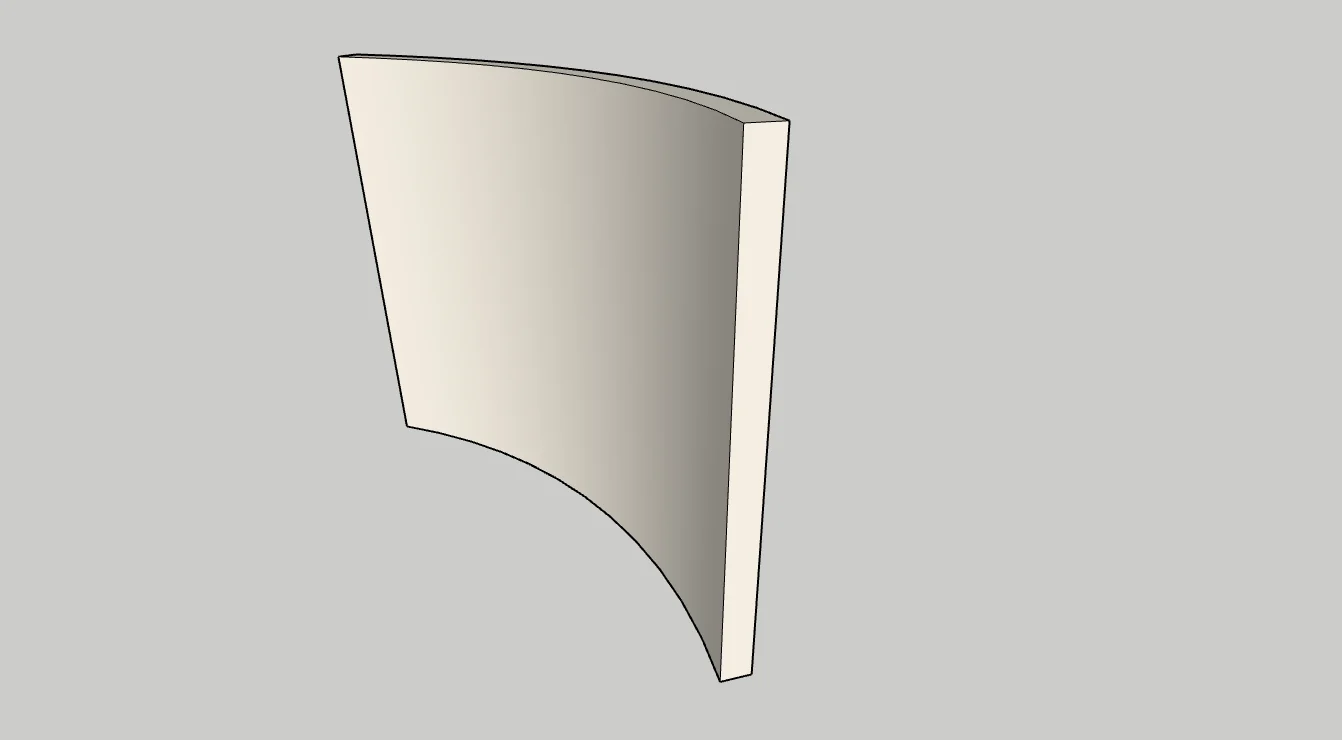
Turn a Curved Surface Into a Solid
Tap Ctrl and pull: the original surface is kept and a solid shell is made, faces on both sides. Curved walls, bent plywood and curved glass from one surface.
Flat Faces Too
Everything You Know From SketchUp
On flat faces both tools are SketchUp's own, with a few extras: keep retyping the distance after the click, and double-click to repeat the last distance even after using another tool.
Why It's Better
Curves Without the Workarounds
| FOCUSED Push/Pull & Offset | SketchUp's Push/Pull & Offset | |
|---|---|---|
| Push/Pull a whole curved surface | ✓ | One facet at a time |
| Offset along a curved surface | ✓ | — |
| Add or remove segments, same shape | ✓ | — |
| Thicken a curved surface into a solid | ✓ | — |
| Retype the distance after the click | ✓ | Until the next action |
| Works the same on flat faces | ✓ | ✓ |
FAQ
Questions, Answered
What does it do that SketchUp's Push/Pull cannot?
Does it still work like SketchUp's Push/Pull?
Can I give a curved surface a thickness?
Can I change the number of segments?
Download & Pricing
Coming Soon in FOCUSED Tools
Push/Pull, Offset and the segment controls come with FOCUSED Tools, together with Profiles, Bevel, Scale to size, Stretch, Drop, Move, Curve to Surface and the Scene Manager.
Free 7-day trial · Included with FOCUSED Pro