How to Future-Proof Your Design Business
If you’ve been feeling like the ground is shifting beneath your feet lately—you’re not imagining it. The design world is changing, fast. Between AI tools, new 3D platforms, shifting client expectations, and even how we get paid, the design process is starting to look very different than it did five or even two years ago.
But here’s the good news: these changes aren’t a threat—they’re an opportunity. If you’re willing to adapt, experiment, and learn a few new skills, you can actually grow faster, land better projects, and serve your clients in ways that blow them away.
In last week’s blog post, The Future of Design – My 5 Year Outlook, I gave my predictions on what we can expect with technology, software, payments, and client expectations, and in this blog post I’m going to share ways you can future-proof your business in the years ahead.
Key Takeaways:
- AI and automation are tools, not threats—use them to boost your creative process.
- In-house 3D modeling and rendering are becoming essential for modern designers.
- Offering build services, crypto payments, and better tech setups will keep you ahead.
- A strong online presence and future-focused mindset are your best long-term assets.
Table of Contents
*Affiliate links may be used throughout this article. Read our Privacy Policy for more information.
Embrace Tech Without Losing Your Voice
Let’s get this out of the way: AI and automation aren’t going to replace great designers. They’re going to replace inefficient workflows.
Your creativity, your ability to connect with clients, your design intuition—those are irreplaceable. But when you pair those strengths with the right tools? That’s when the magic happens.
Here’s how I’m thinking about it:
- Use ChatGPT to help with client communication, project descriptions, or even early space planning ideas.
- Use MidJourney, ChatGPT, or similar image generators to create mood boards and spark new design directions.
- Explore AI-powered model generators (like Meshy or Identic) to create 3D furniture or décor pieces in a fraction of the time.
- Utilize AI Image Enhancers in rendering software (Enscape, D5 Render, etc.).
None of this means giving up control. It just means getting a lot more done with the same amount of effort.
Spend some time training ChatGPT on your voice and how you respond to emails. Train a custom GPT on your business so it can answer emails, DM’s, texts, etc. in a professional manner, as if an expert on your company was responding.
Invest in 3D Skills—They’re Not Optional Anymore
If you’re still handing off your modeling and rendering to outsourced teams, you’re going to run into a wall soon.
Timelines are getting tighter. Budgets are getting squeezed. And clients want to see photoreal visuals yesterday. The ability to model and render in-house is going to be a must-have, not a luxury.
The good news? Learning tools like SketchUp, V-Ray, and LayOut isn’t nearly as hard as it used to be—and once you’ve got the basics down, you’ll save yourself weeks of back-and-forth and rework.
My advice:
- Pick one 3D modeling platform and really commit to it (I obviously love SketchUp for its balance of ease and power).
- Learn how to create visuals with purpose—not just to show off, but to tell a story. Emotion sells…period.
- Build a library of go-to models, materials, and templates you can reuse and customize.
- Learn and master one rendering extensions/software.
The designers who master this skill set will win more projects, charge more, and deliver faster. It’s that simple.
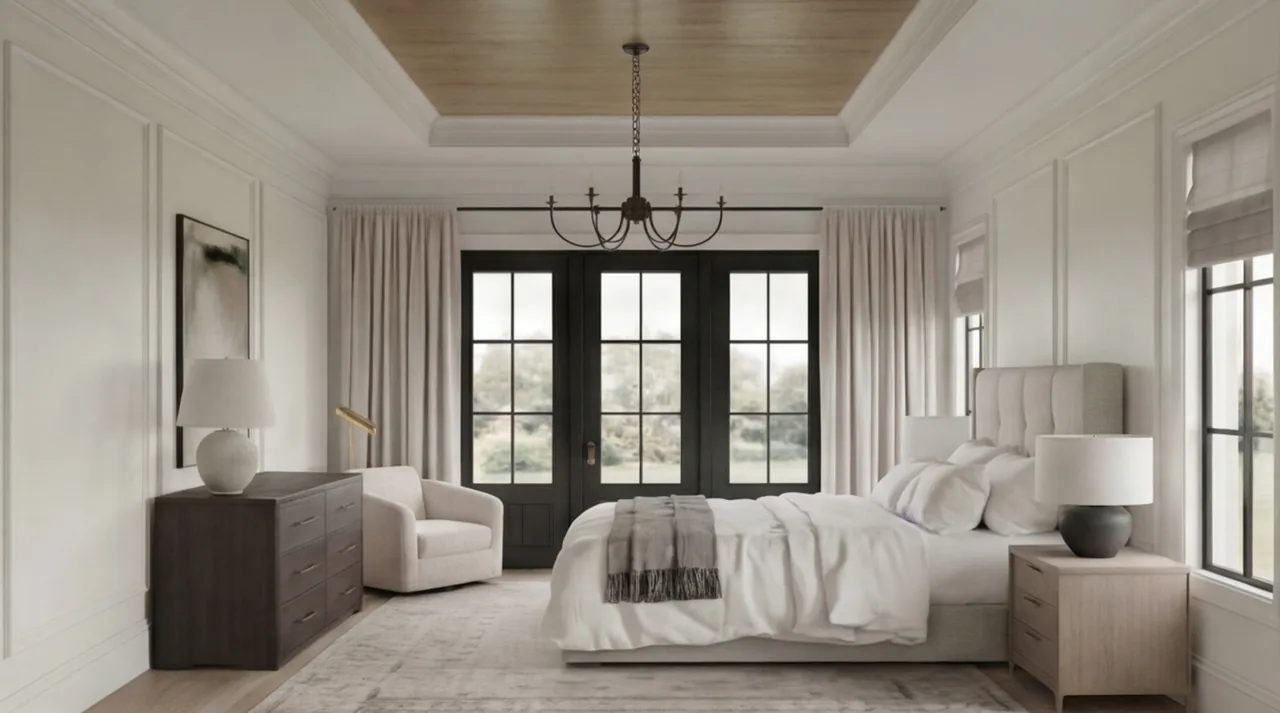
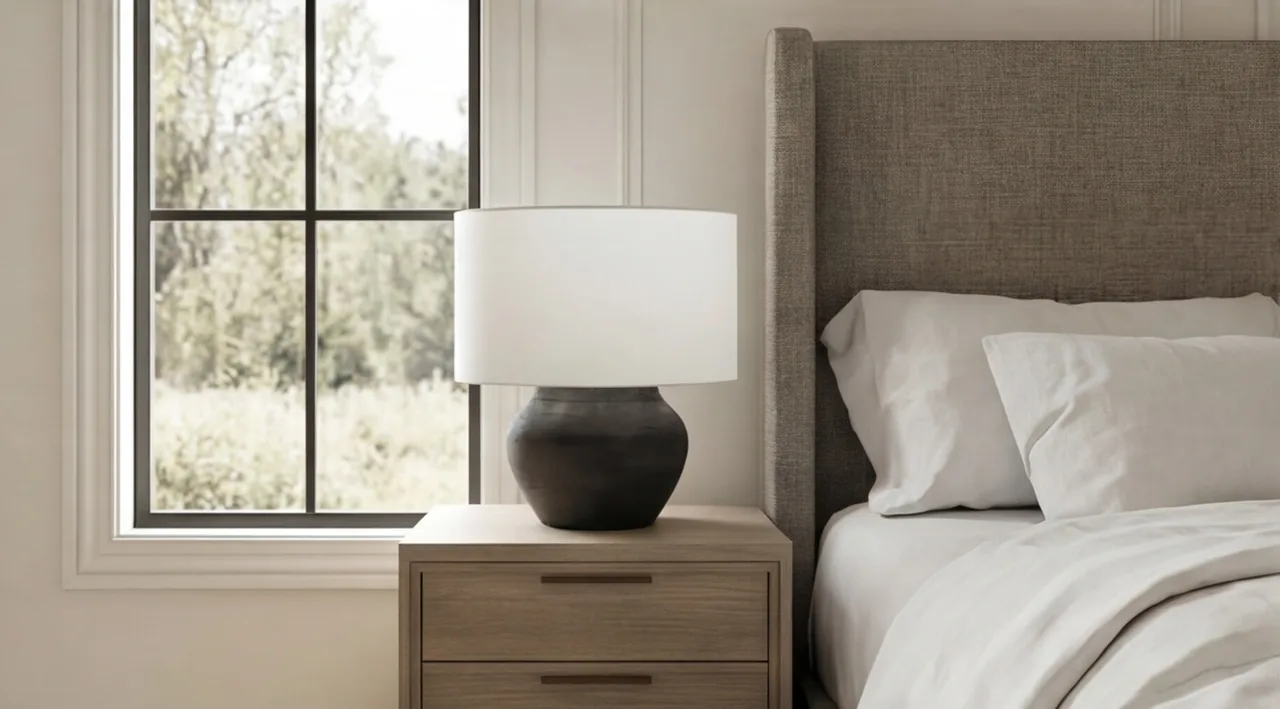
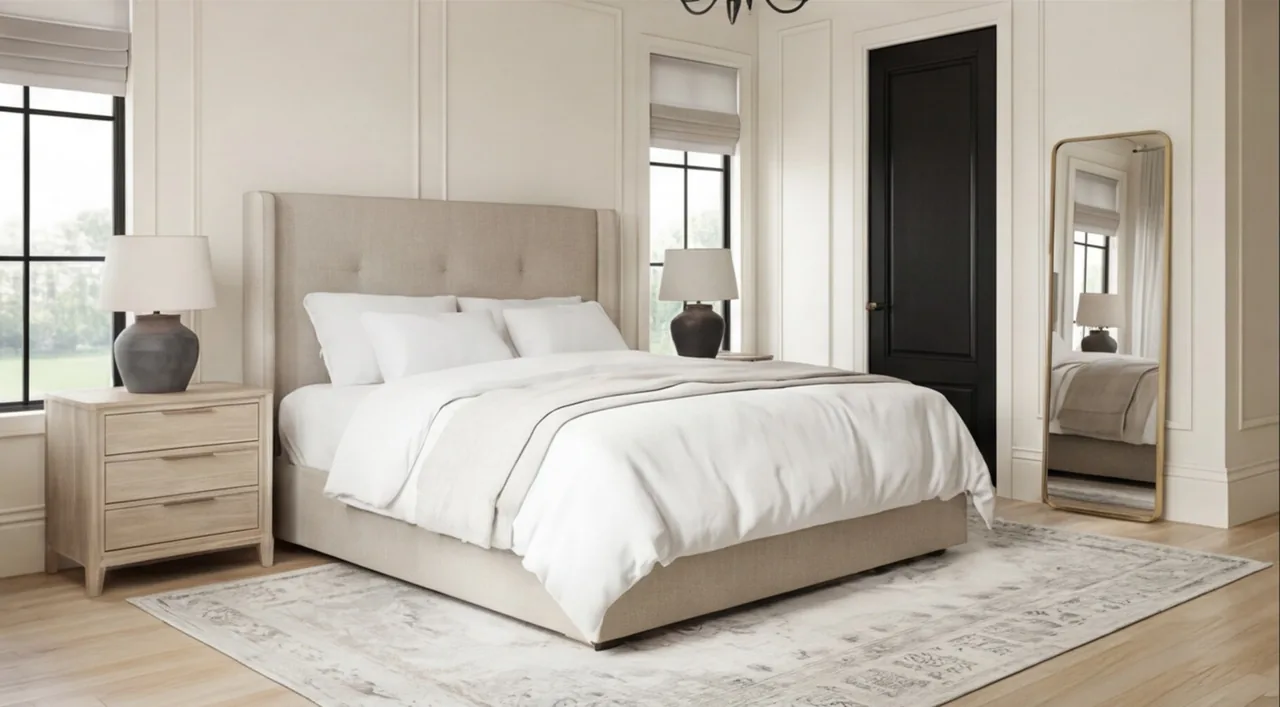
Learn to Create These Renders in 7 Days
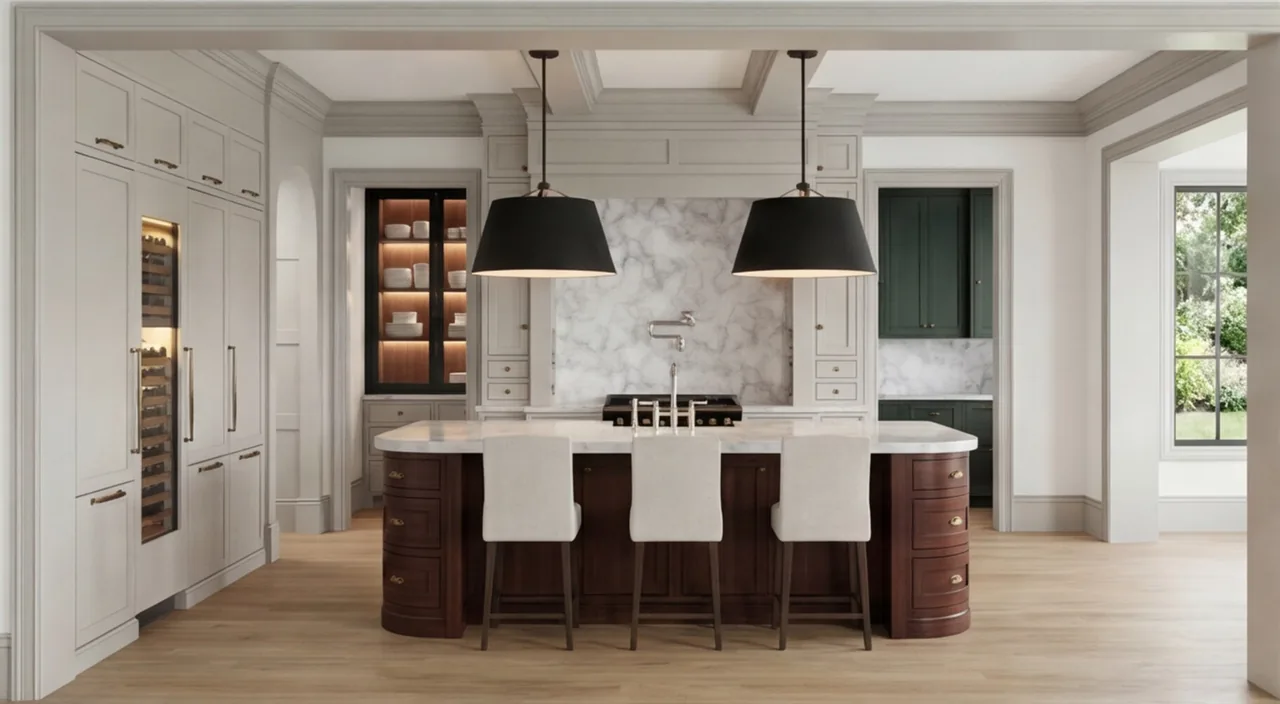
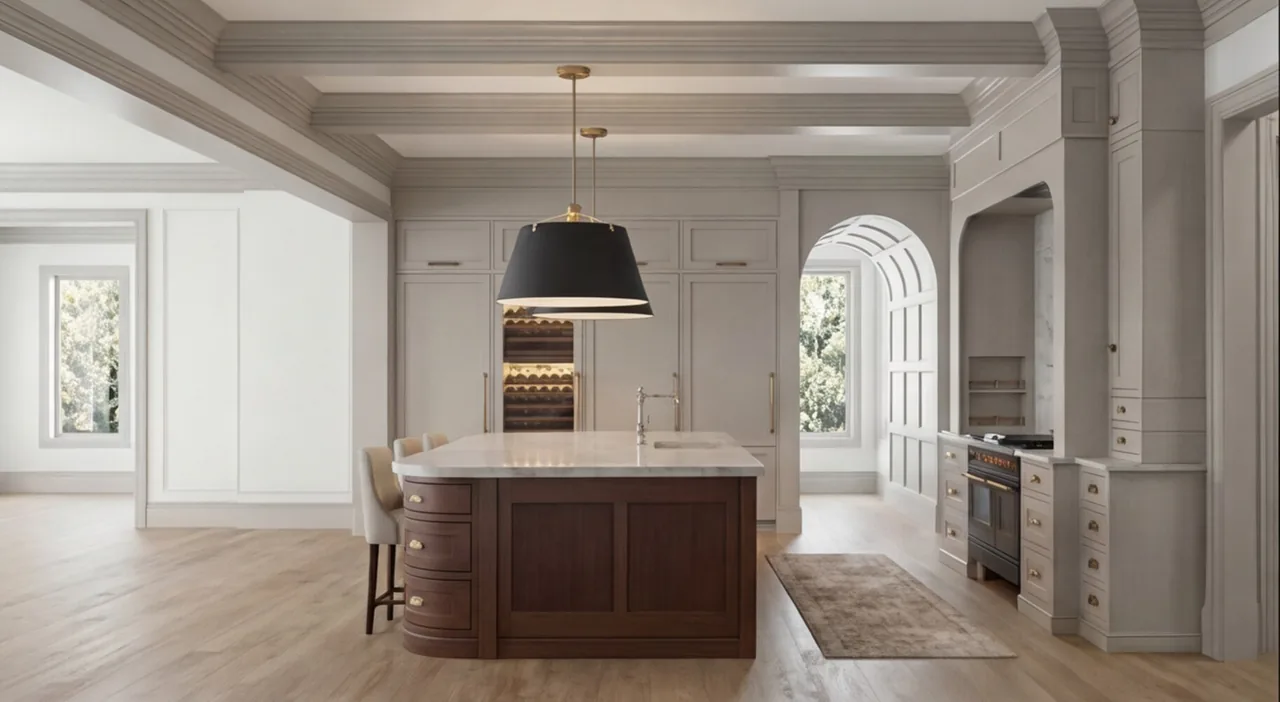
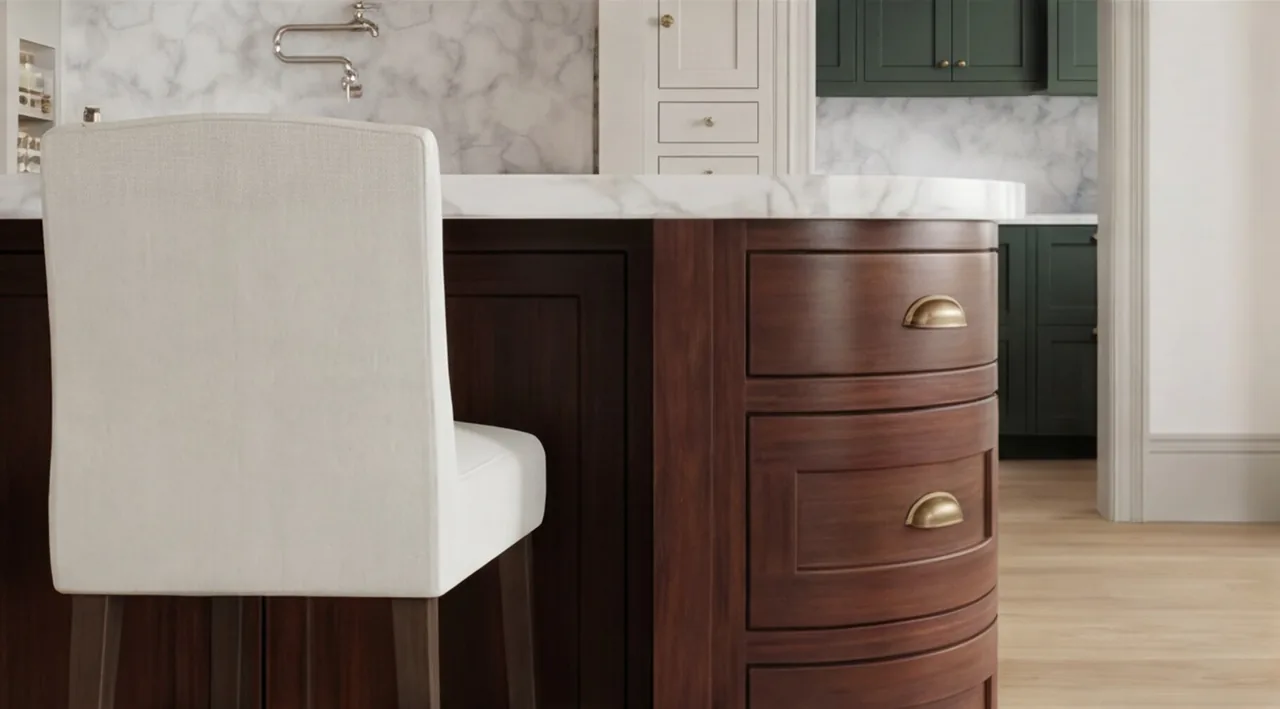
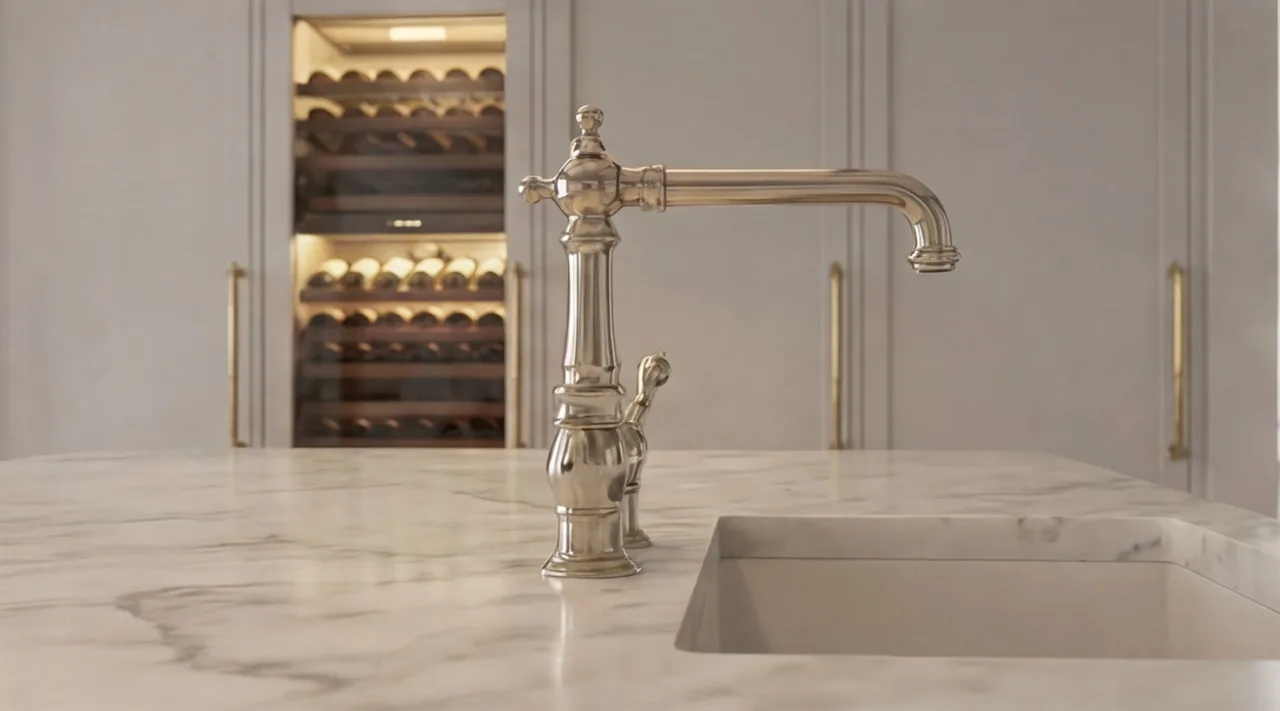
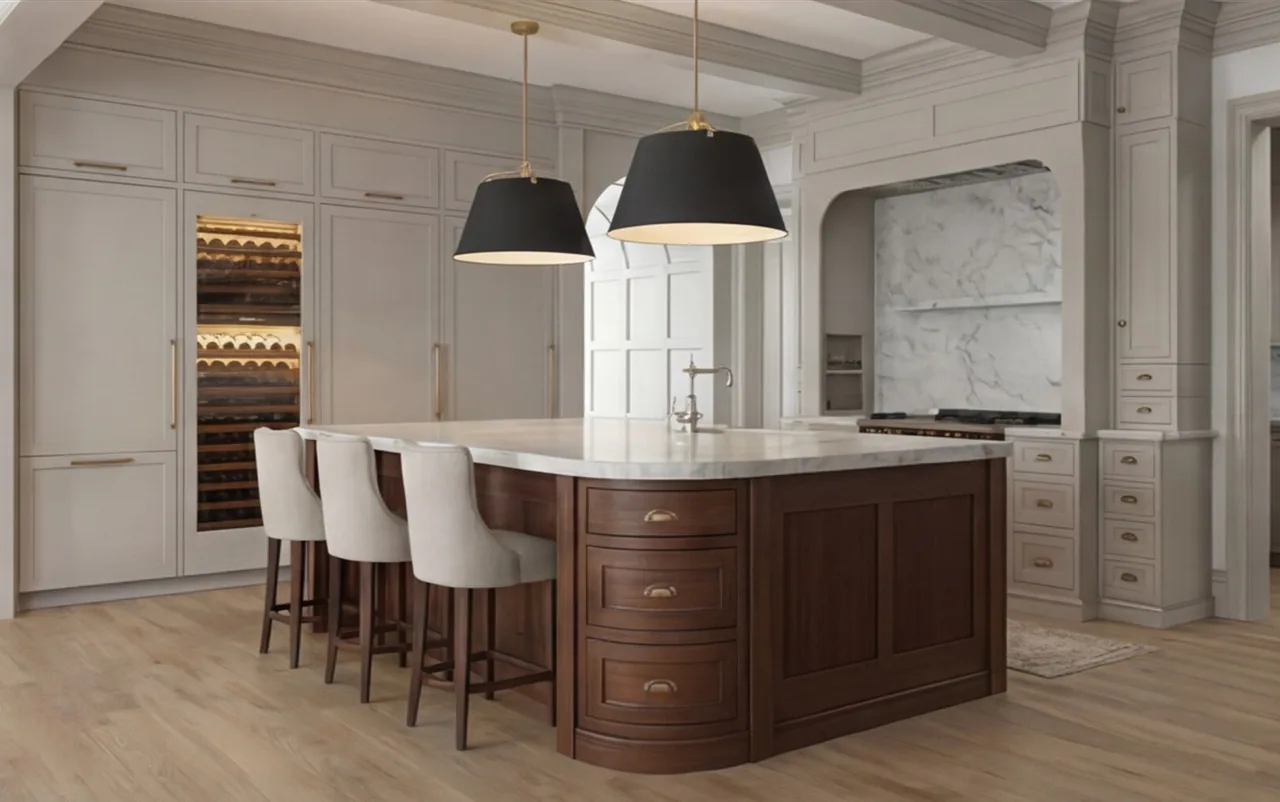
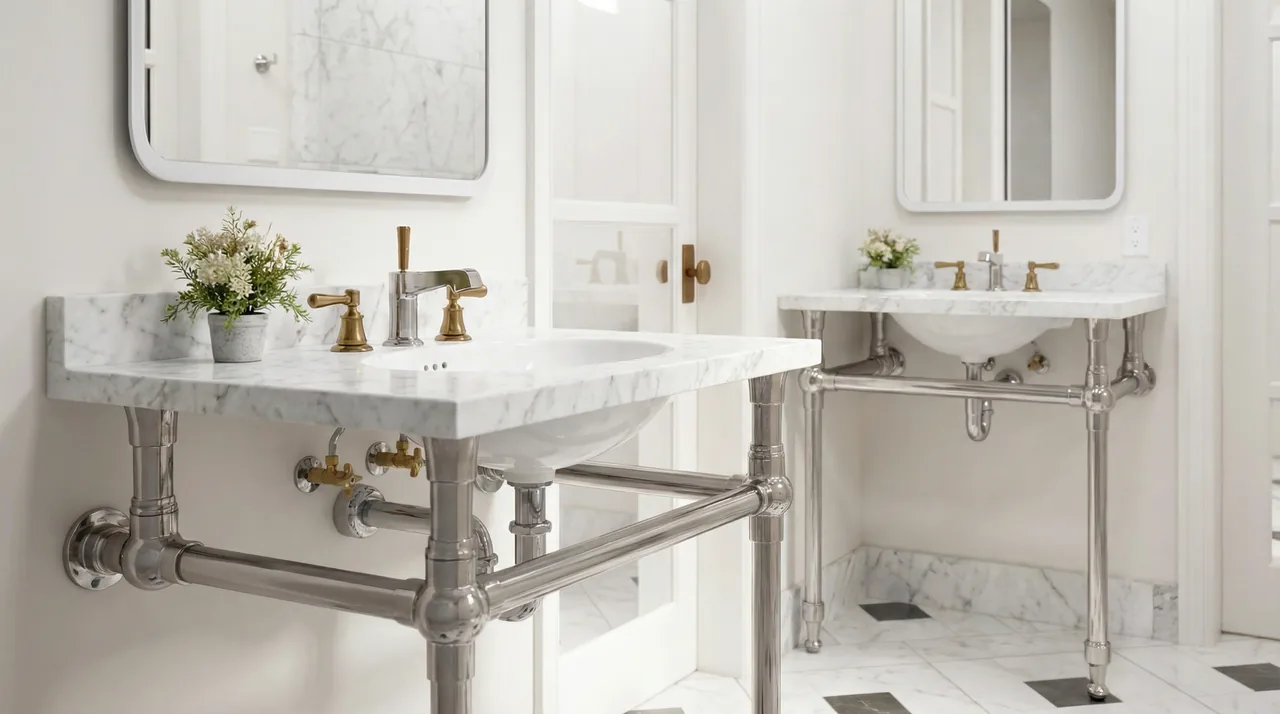
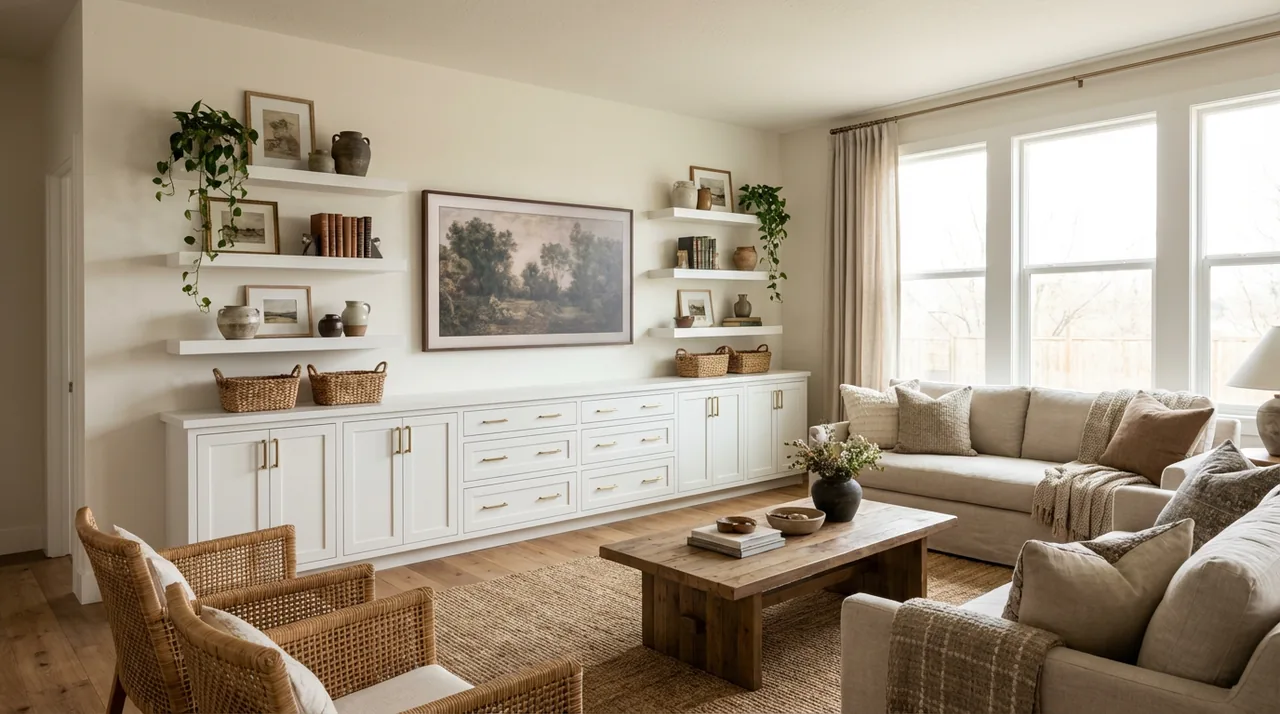
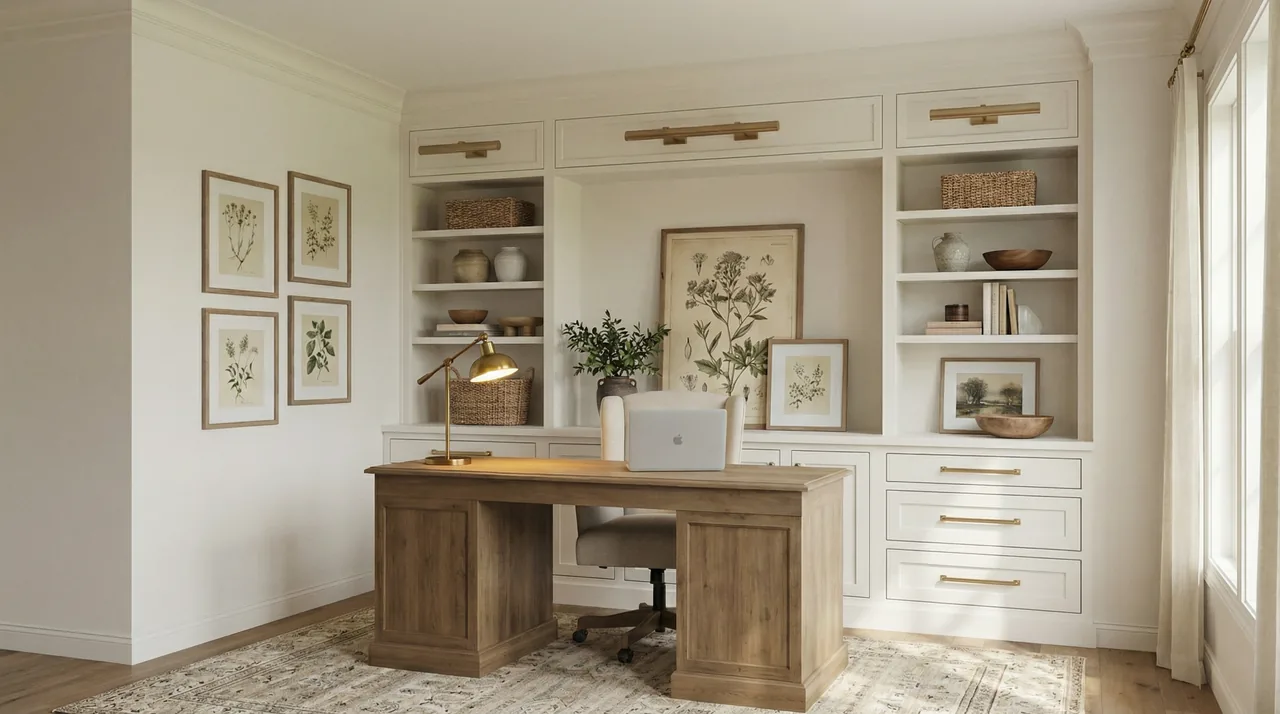
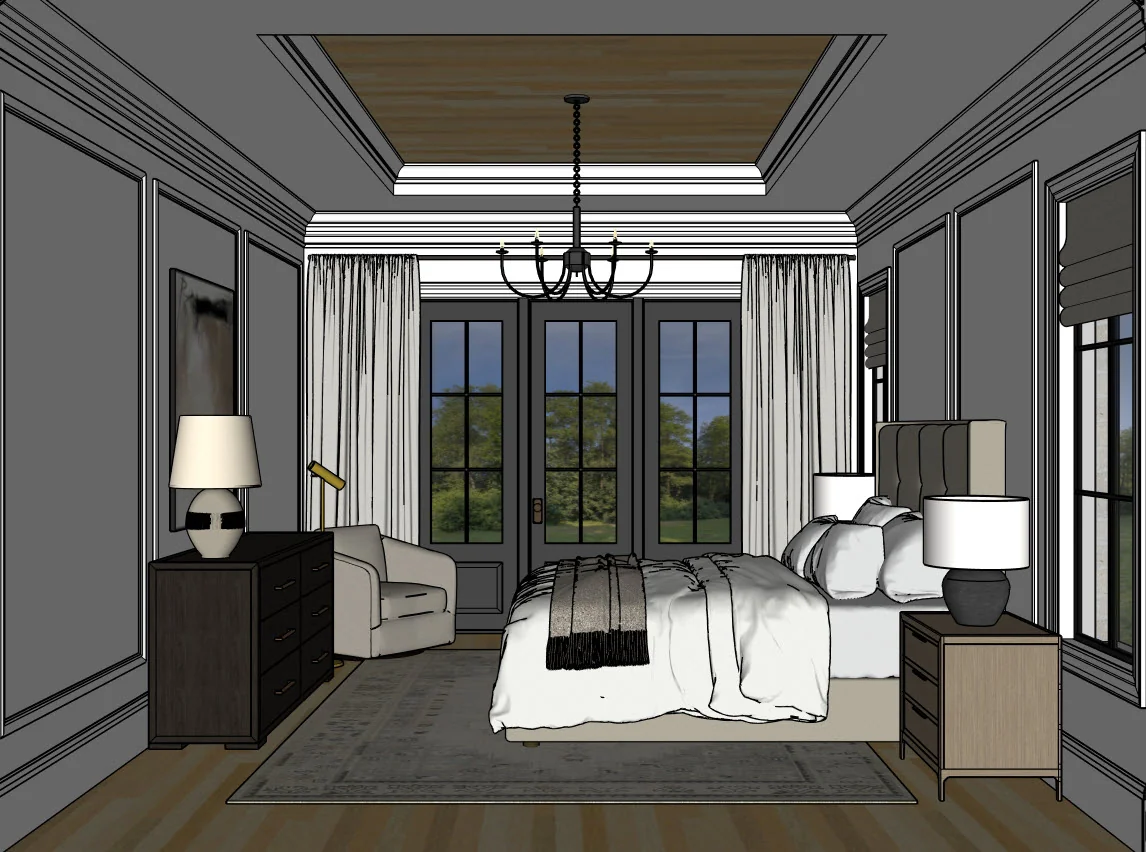
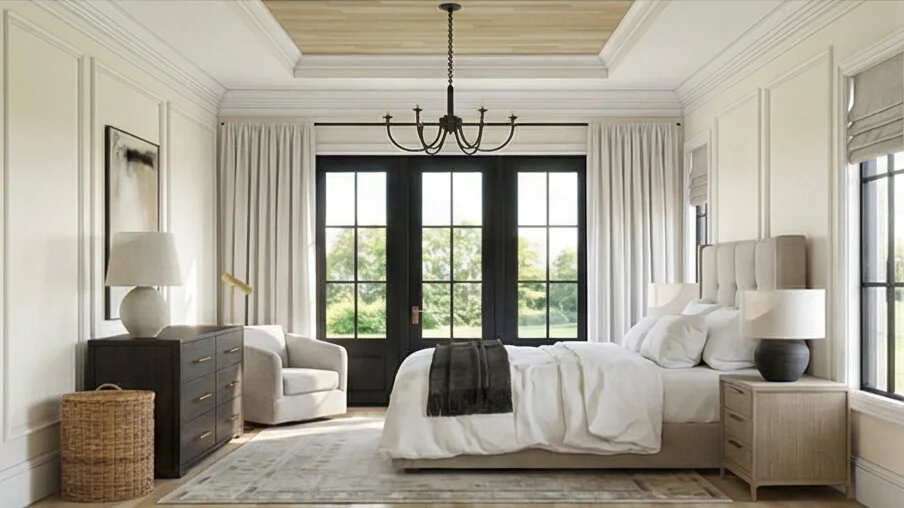
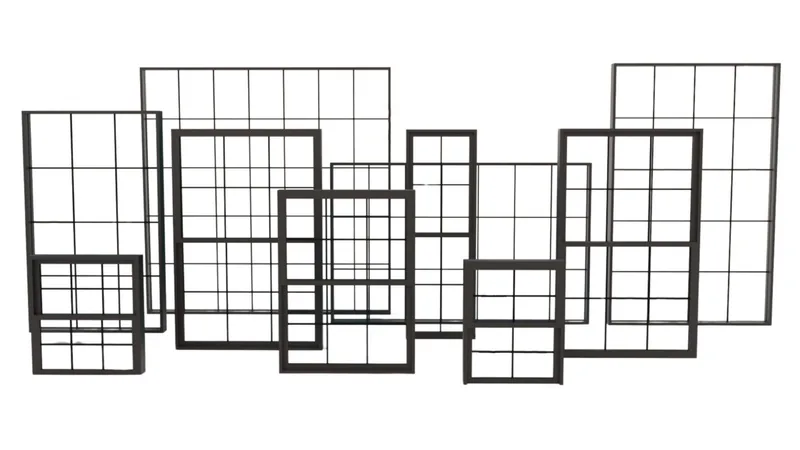
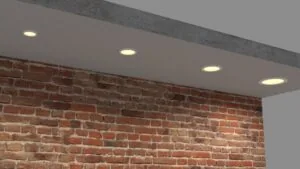
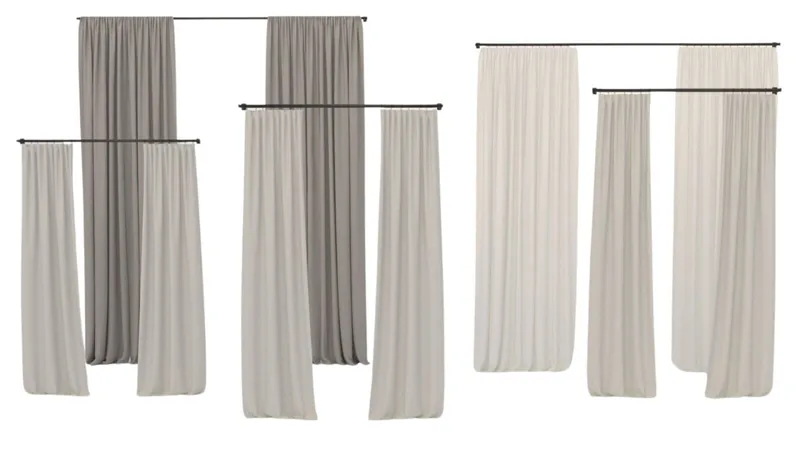
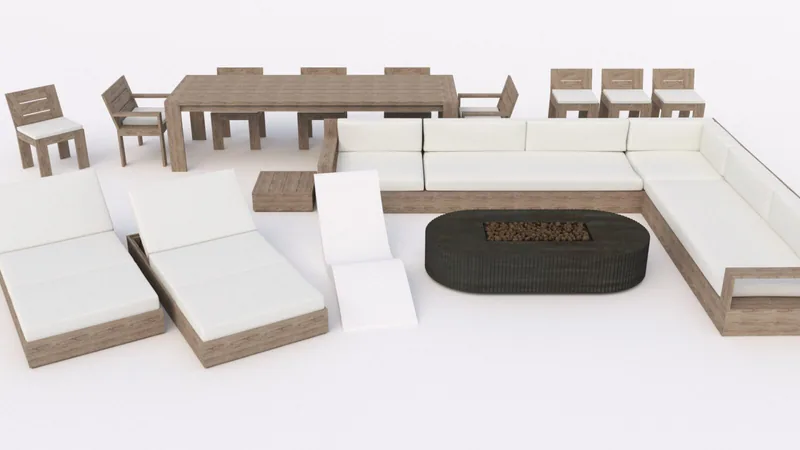
My 7-Day SketchUp Bootcamp for Interior Design will take you step-by-step from installing and configuring SketchUp, all the way to using V-Ray to create the photorealistic images you see below…all in 7 days!
Add a “Build” Component—and Watch Your Value Skyrocket
Here’s a big opportunity that not enough designers are talking about: offering build or project management services as part of your business.
Clients are increasingly craving a one-stop-shop experience. They want someone who can design their space, help them source the right products, and also bring it all to life—without juggling multiple vendors, schedules, or unexpected surprises. That’s where you can step in.
Think about it: AI can help design a beautiful space, yes—but it still can’t pick up a hammer, reroute plumbing, or troubleshoot in the field? Humans are still VERY MUCH NEEDED for physical labor on jobsites and home projects, so offering a “build” component to your business would be a fantastic way to weather the AI storm ahead.
Here’s why offering build, install, or project coordination services could be a total gamechanger:
- You become indispensable.
- You maintain design integrity.
- You increase your revenue streams.
- You stay ahead of AI-based disruption by focusing on the real-world stuff that can’t be digitized.
This doesn’t mean you have to become a licensed contractor overnight. But partnering with builders, offering design-build packages, or being the liaison between design and construction? That’s a strategic shift that could set your business apart in a major way.
Start Accepting Cryptocurrency—Stay Relevant and Cutting Edge
Here’s a curveball you might not have seen coming in a post about interior design: cryptocurrency.
If we’re talking about future-proofing your design business, we can’t ignore how payments are evolving. More clients, especially younger and tech-savvy ones, are holding crypto. Some are even building wealth through it. And as crypto becomes more mainstream, they’ll expect the businesses they work with to keep up.
Accepting crypto like Bitcoin, Ethereum, XRP, or USDC isn’t just about being trendy—it’s about being flexible, relevant, and forward-thinking.
- It sets you apart from other designers.
- It future-proofs your payment options as digital currencies become more integrated into traditional finance.
- It makes international projects easier, with faster and lower-cost transactions.
You don’t need to become a crypto expert—just start with a simple wallet and look into platforms like Kraken or Coinbase Commerce. It’s easier than you think. If you need guidance, check out my recent blog FOCUSED SketchUp Now Accepts Crypto Payments: Here’s What You Need to Know
Upgrade Your Computer—Your Future Work Depends on It
Let’s be real: if your computer is more than five years old, it’s time for an upgrade. I know—it’s not the most glamorous investment. But all the exciting tech we’ve been talking about—real-time rendering, AI tools, immersive walkthroughs—requires serious horsepower.
Especially if you’re using software like D5 Render, Chaos Vantage, Chaos Enscape, or even just heavier SketchUp + V-Ray files, your machine needs to keep up. Otherwise, you’ll be fighting lag, crashes, and render times that suck the joy right out of the creative process.
Sorry, Mac—It’s a Windows World (for Now)
Most Apple machines just don’t support the dedicated graphics cards (GPUs) that tools like D5 and V-Ray need to run properly. If you’re serious about visualization, a Windows machine with a high-performance GPU is a must.
Look for:
- An NVIDIA RTX graphics card (3060 or higher)
- At least 32GB of RAM (64+ is better)
- A fast SSD (preferably NVMe) with 1TB or more
- A recent Intel i7 or Ryzen 7 processor or better
Not Sure What to Buy?
I put together a free SketchUp + V-Ray Hardware Guide to help with that.
Inside, you’ll find:
- My recommended laptops and desktops
- What specs matter most
- Direct links to machines that are ready to handle high-performance design workflows
Click 👇 to download the free guide and make sure your setup is ready for whatever the future throws your way.
Shop Laptops & Desktops for SketchUp
Download my FREE SketchUp and V-Ray Hardware Guide to get links to my recommended laptops for SketchUp!
Brands Will Start Offering Their Products in 3D (Finally)
Another trend gaining speed? Product manufacturers offering their collections as downloadable 3D models.
This is a big win for designers, and was one of the seven strategies I listed in my blog post 7 Strategies for Creating 3D Objects. Instead of hunting for approximate stand-ins or modeling things from scratch, we’ll be able to download accurate, ready-to-go models directly from the brand itself.
Expect to see:
- 3D downloads on manufacturer websites
- Expanded SketchUp 3D Warehouse offerings from verified brands
- AR tools and configurators that let clients visualize and customize products in real time
- AI tools that convert product photos into usable 3D assets (Meshy and Identic AI do this now, but will get better in the years ahead)
If you’re a brand, this is your moment to get your products into the designer’s digital workflow.
If you’re a designer, this makes your workflow faster, more accurate, and more client-friendly. Start actively building your 3D component library for the items you use most, and regularly add to it. This will make modeling faster and more efficient as time goes on.
Don’t Hide—Your Social Media Presence Matters More Than Ever
One thing that’s becoming crystal clear in the age of AI: people want to connect with people—not faceless businesses or AI avatars.
As AI-generated content floods the internet, what will stand out more than ever is authenticity. Sharing your work, your process, your projects, even your struggles—that’s what builds trust, connection, and ultimately, clients who feel excited to work with you.
If you’ve been putting off getting active on social media, now’s the time to start. And if you’ve been half-in, it’s time to lean in just a little more.
Here’s why this matters:
- Clients want to work with people, not algorithms. Showcasing your real-life personality helps you stand out in a sea of AI-generated portfolios.
- It builds connection and trust before they even reach out. People love to see who you are before hiring you.
- It’s free marketing that compounds over time. Even if you only post twice a week, you’re building a digital footprint that keeps working for you.
Where to Focus
Instagram is the sweet spot for designers—great for visuals, behind-the-scenes, and storytelling.
Facebook still works, especially for connecting with local clients and building a community.
TikTok is growing, but tends to skew younger. It’s a great option if you like short, informal video content.
You don’t need to dance, go viral, or spend hours every day online. You just need to be present. Share progress shots, quick design tips, wins, lessons learned, or even little snippets from your daily life. People want to hire humans they like—not just beautiful renders (but also post those beautiful renders!).
In a world where AI can mimic a style but can’t replicate human connection, your personality is your biggest marketing asset. Use it.
Get My SketchUp Cheat Sheet!
A 2-sided PDF that you can print and reference as you learn and use SketchUp!
Get Comfortable with Virtual Tours, VR, and Augmented Reality
If there’s one area that’s about to explode in the design world, it’s virtual reality (VR), virtual tours, and augmented reality (AR). The way we present designs is changing rapidly, and the expectation is moving beyond static renderings to interactive, immersive experiences.
Clients aren’t satisfied with just seeing what a space might look like—they want to feel like they’ve been there before a single piece of furniture arrives. VR and AR make that possible.
Here’s why this is worth your attention:
Virtual tours and 360° walkthroughs are becoming the new standard for presentations, especially for high-end residential and commercial projects.
VR headsets (like Meta Quest and Apple Vision Pro) are becoming more mainstream and easier for clients to use, meaning immersive presentations will soon be a competitive advantage.
Augmented reality lets you bring design ideas to life on-site, overlaying cabinetry layouts, furniture, or finishes into a real room using a tablet or phone—perfect for in-person client walkthroughs.
Learn Virtual Tours & Reality
FOCUSED Virtual Tours & Virtual Reality shows you how to easily turn 360° V-Ray renders into clickable, interactive virtual tours and immersive VR walkthroughs—perfect for stunning presentations, client engagement, and marketing your designs.
Even if you’re not ready to jump into full VR headset presentations, you can start simple by:
Learning how to create 360° renders in SketchUp + V-Ray, Enscape, or D5 Render.
Experimenting with virtual tour platforms like Kuula or TheViewer.
Exploring AR apps that let you show product placement or finishes in a real-world environment.
In the next few years, designers who offer these types of experiences will easily stand out. You’re not just selling a pretty design—you’re selling the feeling of walking through a finished space before it’s ever built.
And as AI keeps accelerating static design work, these immersive tools will become even more important because they add a level of human connection, spatial understanding, and emotion that static images just can’t replicate.
Action Steps to Future-Proof Your Design Business
- Explore AI Tools: Start experimenting with ChatGPT for communication, MidJourney for concept boards, or Meshy for quick 3D models.
- Level Up Your 3D Skills: Commit to mastering SketchUp, LayOut, and at least one rendering tool like V-Ray, Enscape, or D5 Render.
- Consider Adding “Build” Services: Look into partnering with builders or offering design-build packages to provide a complete client experience.
- Set Up a Crypto Wallet: Create a free account with Coinbase or BitPay and get comfortable accepting Bitcoin, Ethereum, or XRP.
- Upgrade Your Hardware: If your computer is 5+ years old, download the free SketchUp + V-Ray Hardware Guide and plan your next system upgrade.
- Download Manufacturer 3D Models: Start sourcing from SketchUp 3D Warehouse or direct from brand websites to speed up your modeling workflow.
- Increase Your Social Media Presence: Post project updates, behind-the-scenes content, and design tips weekly on Instagram and Facebook.
- Learn Virtual Tours & VR Basics: Practice creating 360° tours and explore VR walkthrough options to elevate your client presentations.
- Stay Curious: Block out 30–60 minutes a week to test a new tool, research trends, or improve your workflow—small consistent steps add up.
Final Thoughts
The design world is changing faster than ever—and that can feel intimidating, but it’s also incredibly exciting. The truth is, this next era isn’t about who can crank out the fastest render or adopt the flashiest tech. It’s about who can combine timeless design skill with modern tools to deliver a better experience for clients.
If you stay curious, embrace the technology that enhances your work, and double down on the human connections that only you can offer, you won’t just survive these changes—you’ll thrive because of them.
Future-proofing your business doesn’t mean chasing every trend. It means choosing the right tools, building smarter systems, and showing up authentically for your clients. The future isn’t something to fear—it’s an opportunity to create your strongest, most flexible design business yet.
And if you’re ready to get started, I’m here to help. Let’s build it together.
Ready to Learn SketchUp?
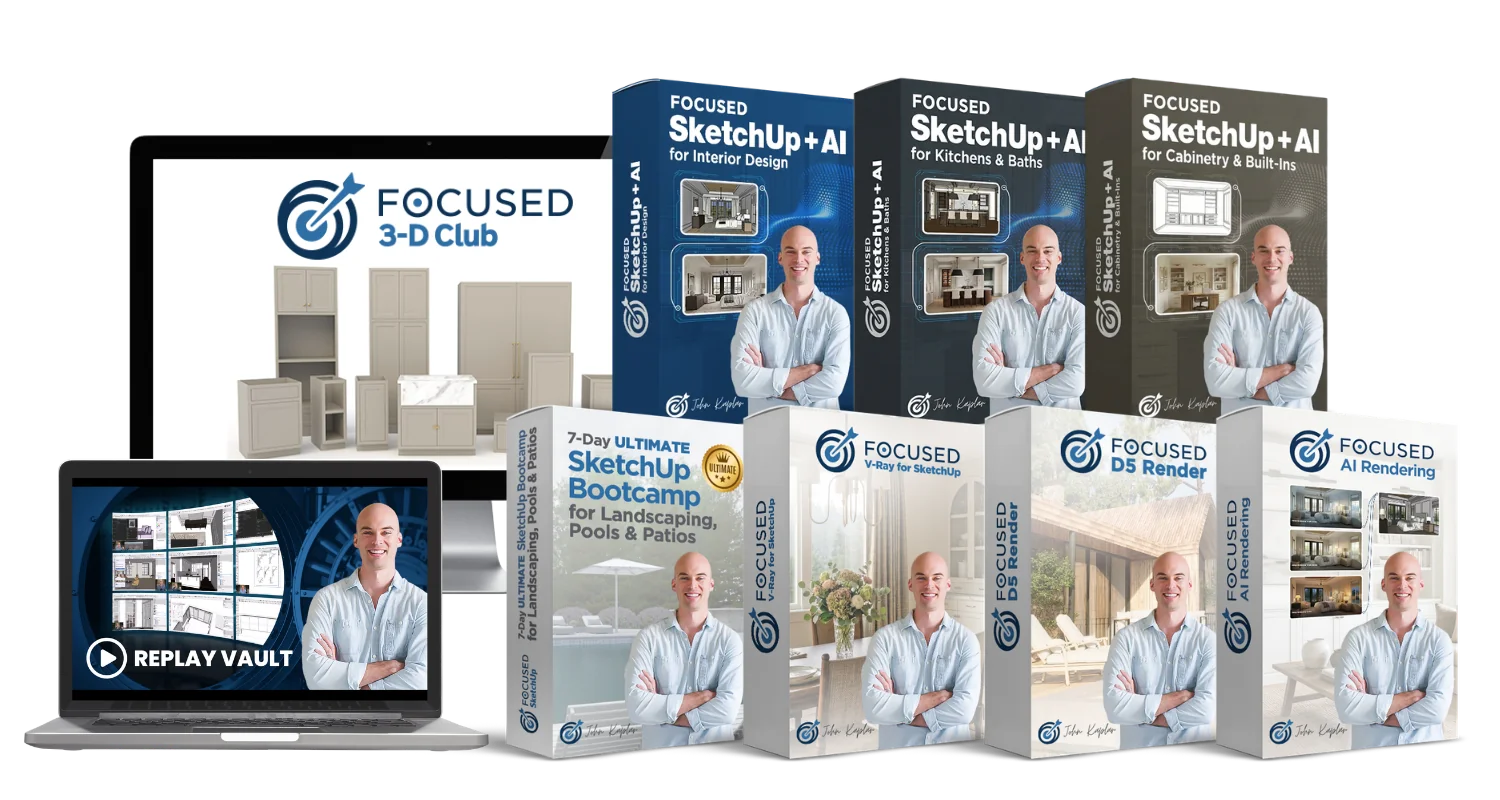
Check out my SketchUp & V-Ray courses to find the right one for your skillset and your design specialty. Online, self-paced, and lifetime access!
Frequently Asked Questions
Absolutely. Most of these tools are more user-friendly than ever. Start small, take your time, and focus on one upgrade at a time.
Not at all. Pick the ones that align with your ideal clients. For many designers, Instagram and LinkedIn are a great starting point.
Yes. Referrals are great, but the market is evolving. The more future-ready you are, the more value you can offer—and the more referrals you’ll get.
Start with your hardware if it's outdated. From there, build your 3D skills and explore simple AI tools that can streamline your workflow.