Home Depot Trim and Moulding Profile Pack Now Available
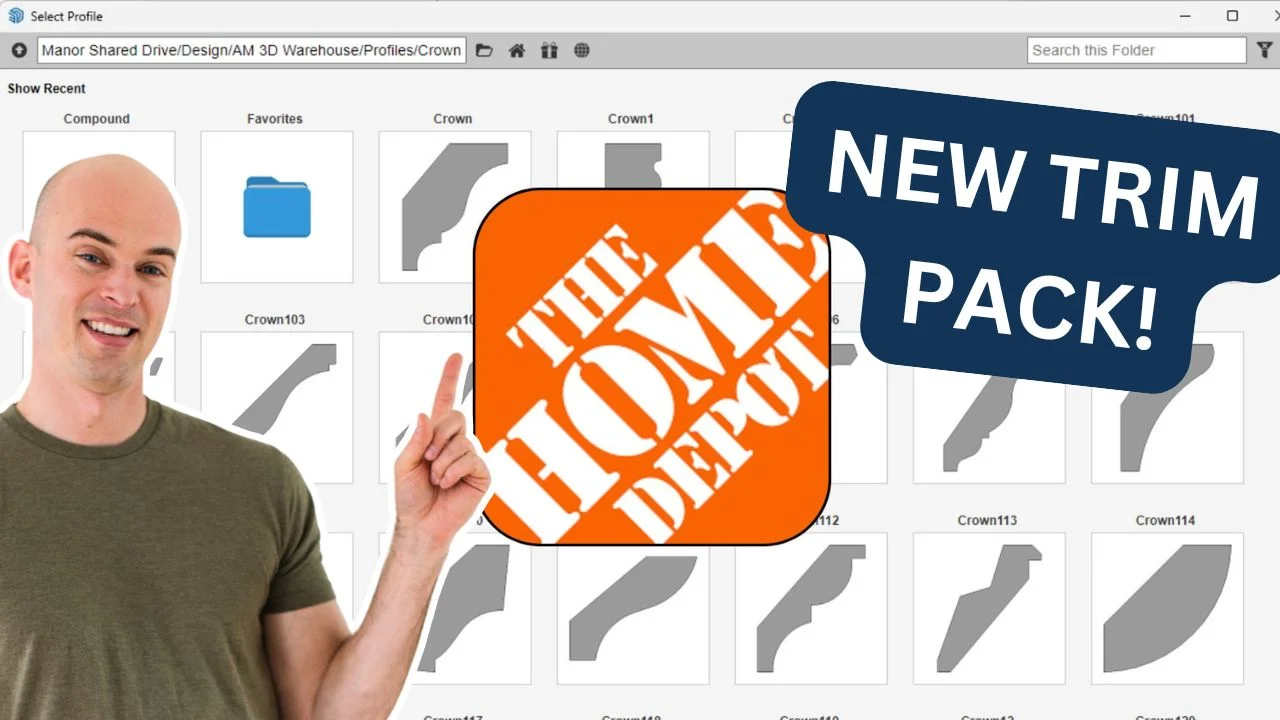
If you’re a DIY enthusiast, a renovation pro, or a contractor working in SketchUp with real-world materials, I’ve got exciting news: I just released a brand-new Home Depot Trim and Moulding Profile Pack exclusively for members of the FOCUSED 3D Library.
This pack includes 117 real-world trim and moulding profiles that are stocked and sold at most local Home Depot* stores. That means you can now model with precision and confidence—knowing that the exact trim you’re visualizing in SketchUp is something you (or your contractor) can walk into a store and buy today.
Let’s dive into the details.
Key Takeaways:
- 117 trim and moulding profiles based on real Home Depot inventory
- Works seamlessly with the Profile Builder extension in SketchUp
- Perfect for DIYers, remodelers, and contractors who shop at Home Depot
- Shared spreadsheet links each profile to its actual Home Depot product page
*Affiliate links may be used throughout this article. Read our Privacy Policy for more information.
Table of Contents
Why This Pack Matters
When I started creating and customizing trim profiles for my own SketchUp projects, I kept running into a gap between what I was modeling and what was actually available in the real world—especially for clients who like to source materials from big-box retailers.
The profile pack that comes with the Profile Builder extension is huge, and many of those profiles don’t map back to a physical product I can source.
Home Depot is one of the largest sources of trim and moulding products in North America, and it just made sense to make a pack based entirely on what they offer.
So I did.
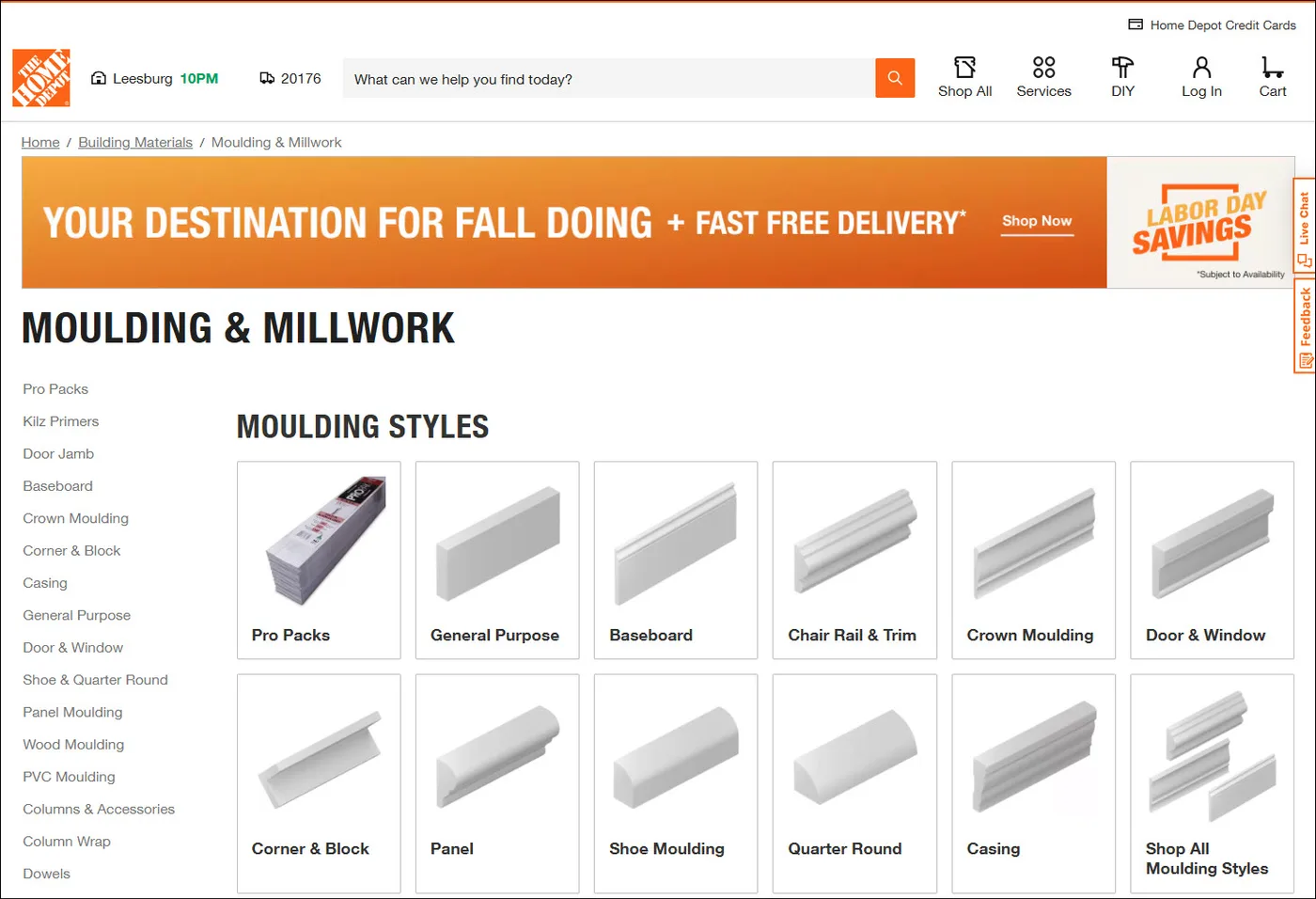
I went through their inventory and carefully recreated 117 profiles that are available at Home Depot locations across the U.S. These profiles match their dimensions, styles, and usage types—and they’re designed specifically for use with the Profile Builder extension in SketchUp.
That means whether you’re sketching up baseboards or finishing off crown moulding details, you now have a fast, real-world-accurate, drag-and-drop solution.
Perfect for DIYers and Contractors Alike
This pack is ideal if you’re:
A DIY enthusiast doing your own home renovation
A designer working with homeowners who want easy-to-source trim
A contractor looking to streamline communication with clients and visualize trim details ahead of install
A SketchUp user who wants realistic trim options with real product availability
Because these are Home Depot profiles, you can rest easy knowing that your contractor won’t need to hunt down exotic, hard-to-find millwork profiles. They can just pop over to the store and grab exactly what you’ve designed into your model.
Check Local Availability with Our Shared Spreadsheet
Here’s something I’m especially excited about:
To make your life even easier, I’ve included a shared spreadsheet that maps every single profile code in this pack to its corresponding Home Depot product page.
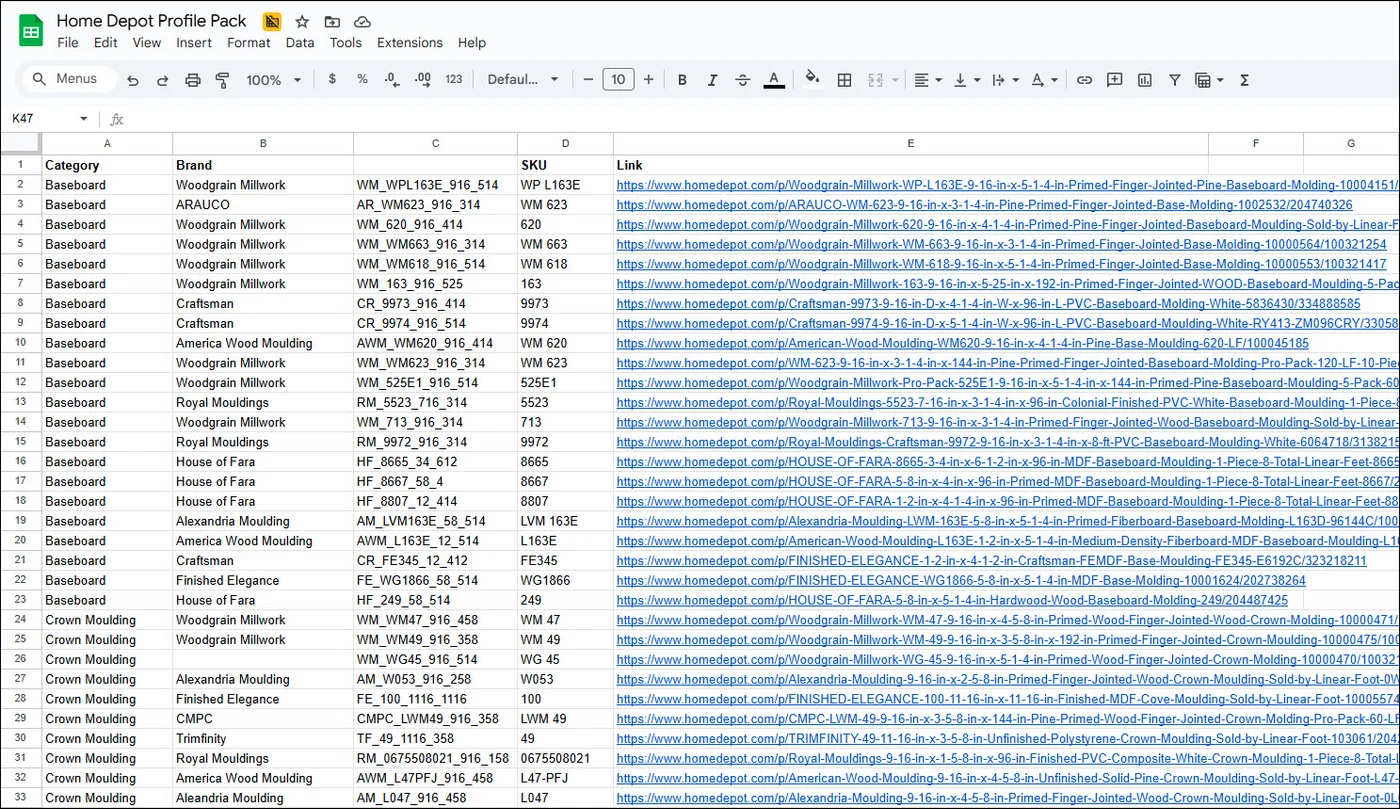
So you can:
Click the link and view the actual product page
Check pricing and stock status
See if it’s available at your local Home Depot
Even add it to your cart if you’re ready to buy
This makes sourcing materials a total breeze—whether for your own DIY build or for client spec sheets.
What’s Included in the Pack
The pack is divided into clear categories for easy browsing and use. Here’s what you’ll find:
Baseboard
Brickmould
Casing
Chair Rail
Crown Moulding
General (includes simple corner trim and utility mouldings)
Panel Moulding
Quarter Round
Shoe Moulding
All profiles are .skp-compatible and designed to be used with the Profile Builder extension, making extrusion and placement a breeze.
What is Profile Builder?
If you haven’t used it before, Profile Builder is a SketchUp extension that makes it incredibly fast to model things like trim, moulding, baseboards, railings, and more using a “smart path” workflow.
You can define a profile, draw a path, and boom—your trim is placed in seconds. And with this pack, you’ll now have 117 real-world profiles to choose from.
How to Get It
This pack is available exclusively to FOCUSED 3D Library Members. If you’re already a member, log into your dashboard and look under the Packs/Profiles section to download the Home Depot Trim and Moulding Profile Pack.
If you’re not a member yet, this is your sign to join.
Frequently Asked Questions
Do I need to install anything special to use this pack?
Yes, you’ll need the Profile Builder extension installed in SketchUp. You can find it in the Extension Warehouse or through my club discounts.
Can I use this pack even if I don’t live near a Home Depot?
Absolutely. The profiles are still accurate and beautiful, even if you source your trim elsewhere. But the real magic is for those who want to model and then go buy the same thing locally.
Can I edit the profiles?
Yes. These are SketchUp-native profiles and can be modified just like any component or group. That said, they’re designed to be ready out of the box.
Will this work in older versions of SketchUp?
Yes, the profiles will work in older versions of SketchUp.
*Disclaimer: This profile pack is not affiliated with, endorsed by, or sponsored by The Home Depot. All product references are for convenience only. Product availability, dimensions, and specifications may vary by location. Accuracy is not guaranteed—please verify details with your local store before purchasing.
Tags