FOCUSED Course
FOCUSED Core SketchUp
Unlock your creative potential with SketchUp mastery — the foundational training every designer needs.
4 modules, 32 lessons, ~4 hours
The Foundation Every SketchUp Workflow Needs.
Most designers either skip SketchUp entirely because it feels intimidating, or wade through hours of disconnected YouTube tutorials trying to figure out the basics. The result is months of frustration before you can model anything client-ready.
Modeling in
SketchUp
Materials +
Textures
Organization +
Styling
This course gives you the foundation - fast. You'll install and configure SketchUp Pro on your computer, master the 14 essential tools you'll use every day, and learn how to organize a model with groups, components, tags, and scenes. Then you'll add materials, textures, and styles that turn a flat 3D box into something that actually looks like the space you're designing.
By the end you'll have the foundational skills to confidently move into any specialty workflow - interiors, kitchens, cabinetry, AI rendering, or whatever niche fits your design business.
Is this for you?
Who Is This Course For?
- Interior Designers
- Kitchen and Bath Designers
- Pool Designers
- Landscape Designers
- Architects
- Cabinet Manufacturers
- Woodworkers
- Renovation Companies
- DIY Enthusiasts
- Event Planners
- Furniture Designers
- Set Designers
- Construction Professionals
- Real Estate Developers
Course
Breakdown
Take a Peek at the
Course Structure
Inside this course you'll cover everything you need to be productive in SketchUp - installation, the essential toolset, model organization, and styling.
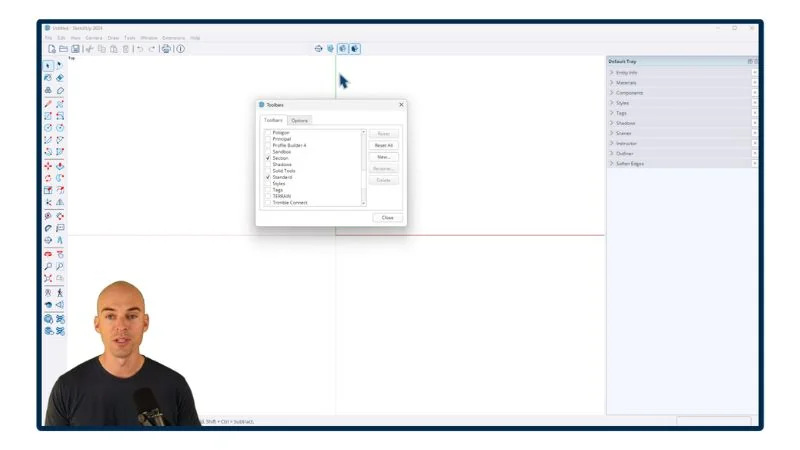
Module 1 - Setup & Configuration
- PC/WINDOWS: Installing SketchUp [6:07]
- PC/WINDOWS: Setting up Your Workspace [2:55]
- PC/WINDOWS: Setup Keyboard Shortcuts [3:02]
- MAC: Installing SketchUp [9:56]
- MAC: Setting up Your Workspace [9:55]
- MAC: Setup Keyboard Shortcuts [3:56]
Module 2 - The Basics of SketchUp
- Intro and Cheat Sheet [3:42]
- Mouse and Navigation [9:16]
- Using the Keyboard [4:18]
- The Select Tool [4:33]
- The Move Tool [14:19]
- The Line Tool [11:33]
- The Rectangle Tool [6:35]
- The Circle Tool [4:47]
- The Arc Tool [3:30]
- The Tape Measure Tool [5:35]
- The Offset Tool [2:59]
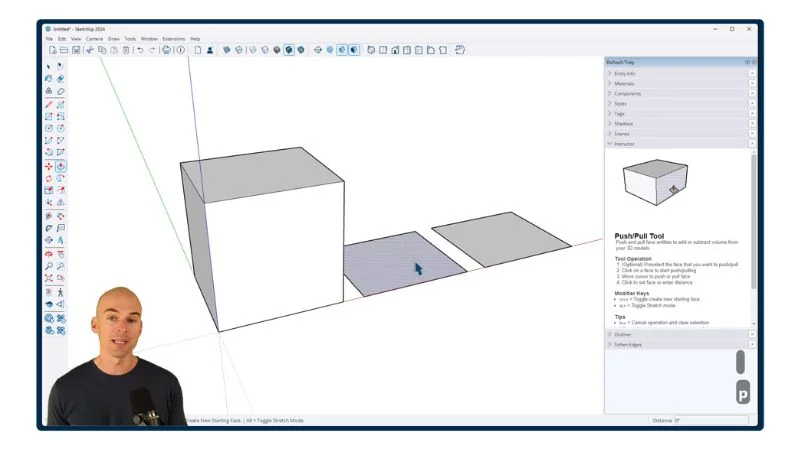
- The Push/Pull Tool [3:56]
- The Rotate Tool [5:11]
- The Scale Tool [6:57]
- The Paint Bucket Tool [4:29]
- The Flip Tool [3:01]
Module 3 - Organization in SketchUp
- Groups [11:56]
- Components [7:59]
- The Outliner [7:47]
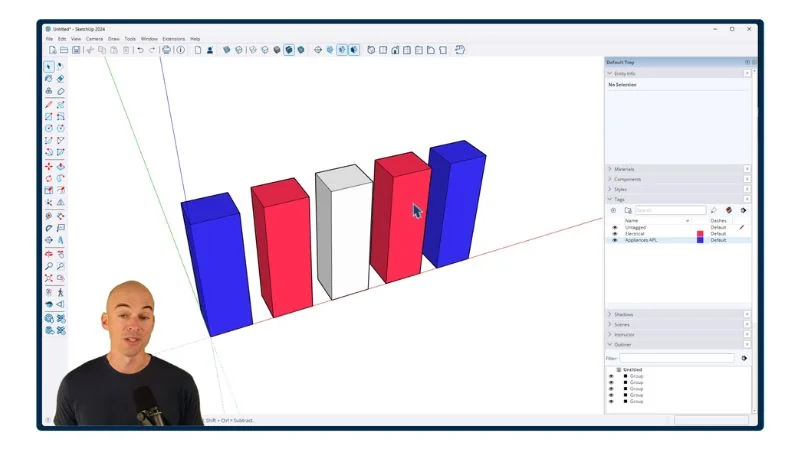
- Tags [7:51]
- Hiding and Unhiding [3:50]
- Section Cuts [8:36]
- Scenes [8:45]
- Adding Windows [20:04]
Module 4 - Objects and Styling
- The Trimble 3D Warehouse [14:19]
- Materials in SketchUp [11:12]
- Applying SketchUp Styles [11:20]
You'll also get
3 FREE Bonus Items
 Free
Free
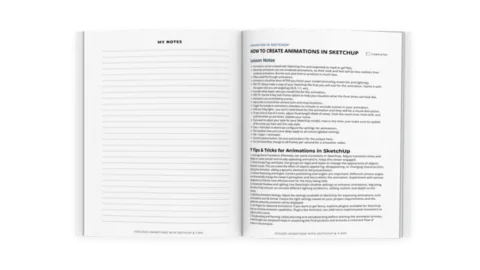
200+ Page Printable Course Guide
A printable PDF with lesson notes from every module - perfect for following along and taking your own notes as you go.
 Free
Free
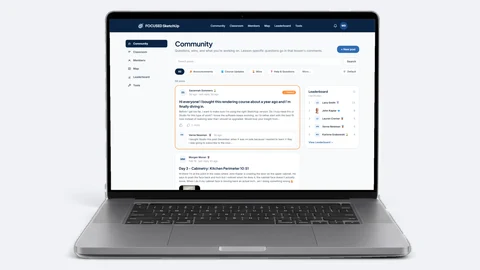
Student Community Access
Get support and help from me and fellow students inside the FOCUSED SketchUp Student Community - post in the forum or ask right on the lesson you are stuck on. Lifetime access included.
 Free
Free
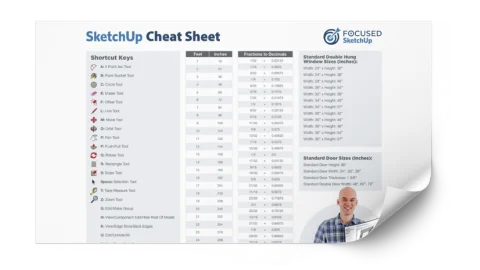
Printable SketchUp Cheat Sheet
My 2-sided SketchUp reference card with every shortcut, tool, and setting you'll use daily - printable and designed for quick lookup.
Meet Your Instructor

John Kaplar
Founder of FOCUSED SketchUp
No Risk Offer
Satisfaction Guarantee

I am so certain you will love this program that I am offering a Risk-Free 14-Day Money Back Guarantee! After 14 days, if you are not satisfied with the course and decide it's not for you, I will give you a full refund.
All you have to do is contact me within 14 days of purchasing, and I will give you 100% of your money back.

FAQ
Questions, Answered
What topics will be covered in this course?
What if I have questions during the course?
What will I be able to do after completing this course?
How is this course different from the full FOCUSED courses?
Is this course suitable for beginners or is it more advanced?
Are there any prerequisites for this course?
Do you offer a course syllabus or curriculum outline?
So, To Summarize...
Here is Everything You Get
- 32 video lessons (~4 hours)Included
- Printable Course Guide with lesson notes from every moduleIncluded
- Printable SketchUp Cheat Sheet (2-sided)Included
- Keyboard Shortcuts ExportIncluded
- Technical support in the Student CommunityIncluded
- Lifetime access + future updatesIncluded
- 14-day money-back guaranteeIncluded